When I first heard rumors about Windows 11, I didn't buy them. I figured it was another 'PowerPoint system'—a concept OS that would never actually ship. Then I came across a leaked image online. If there's an ISO, it's probably real. I was stunned. Wasn't Windows 10 supposed to be the last version?
Beyond the shock, I was curious. What exactly is Windows 11? A fresh coat of paint, or a genuine leap forward? I grabbed the image and installed it in a virtual machine to see for myself.
Installation
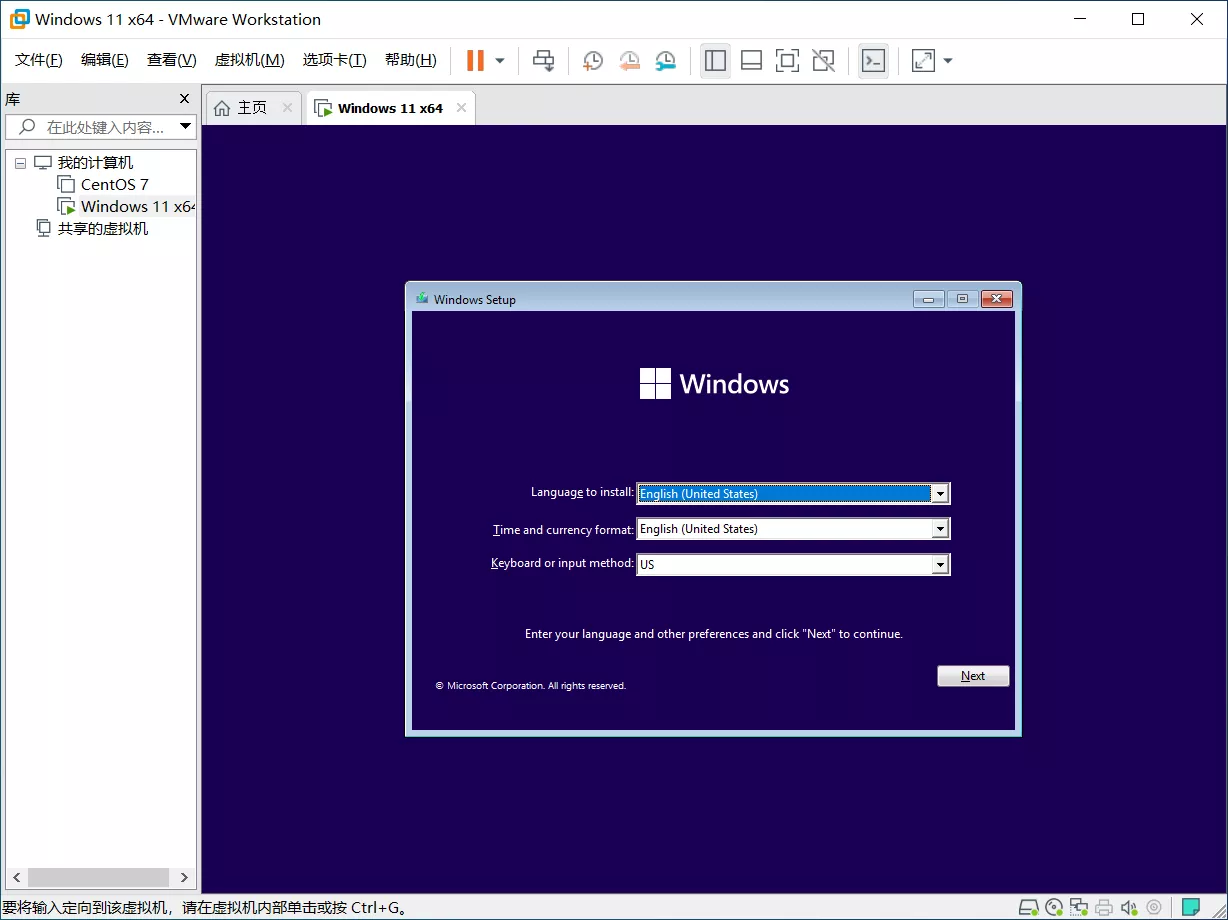
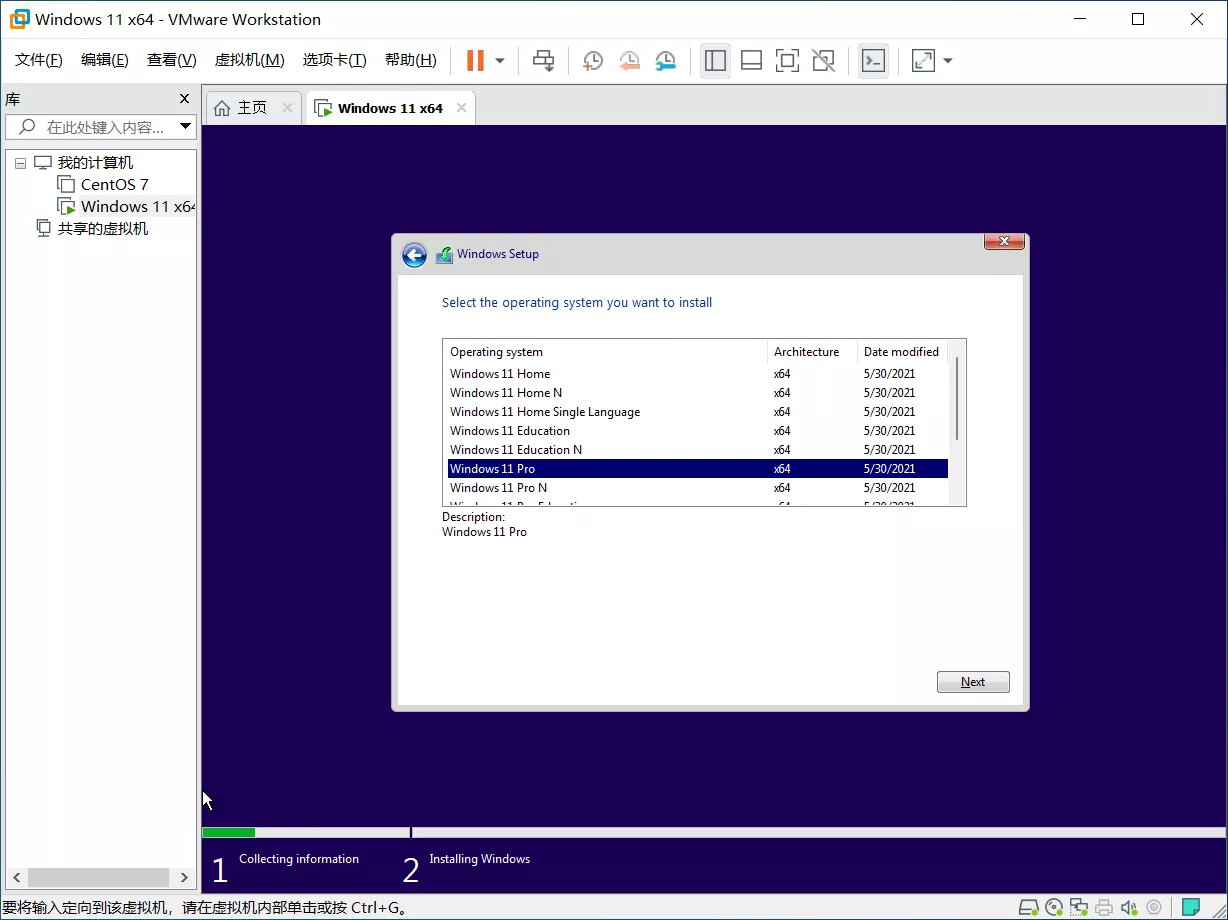
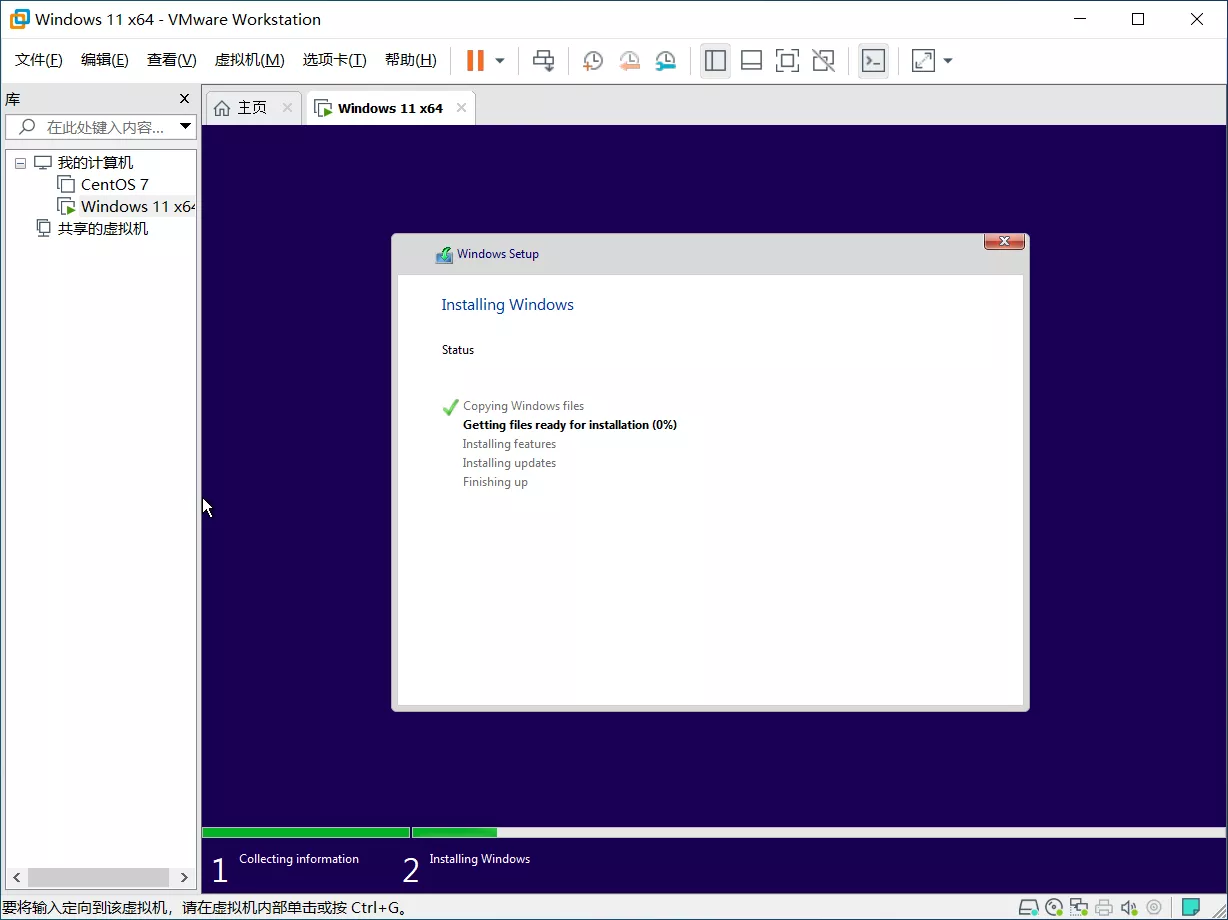
The setup process is basically identical to Windows 10.
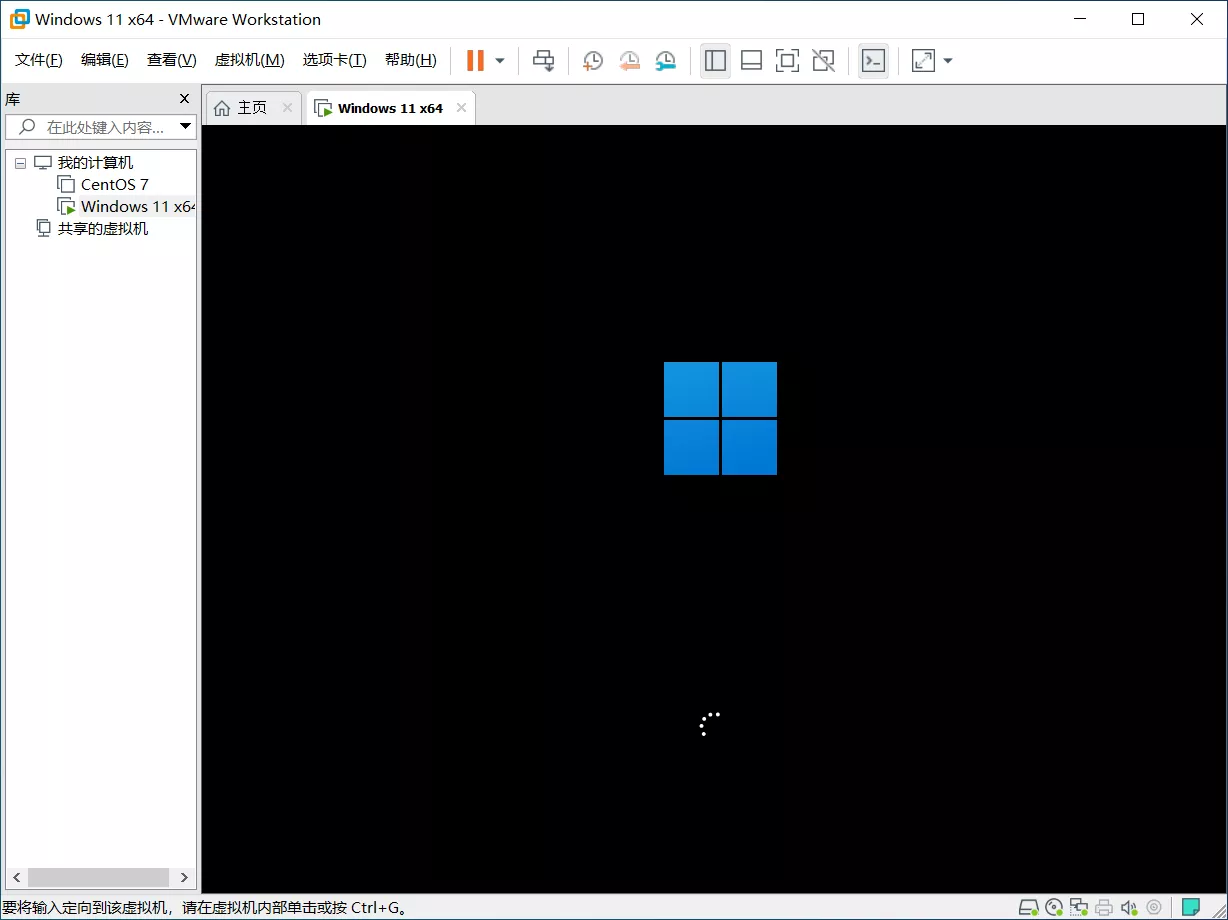
The image I got was English-only. I chose Windows 11 Pro.
First boot
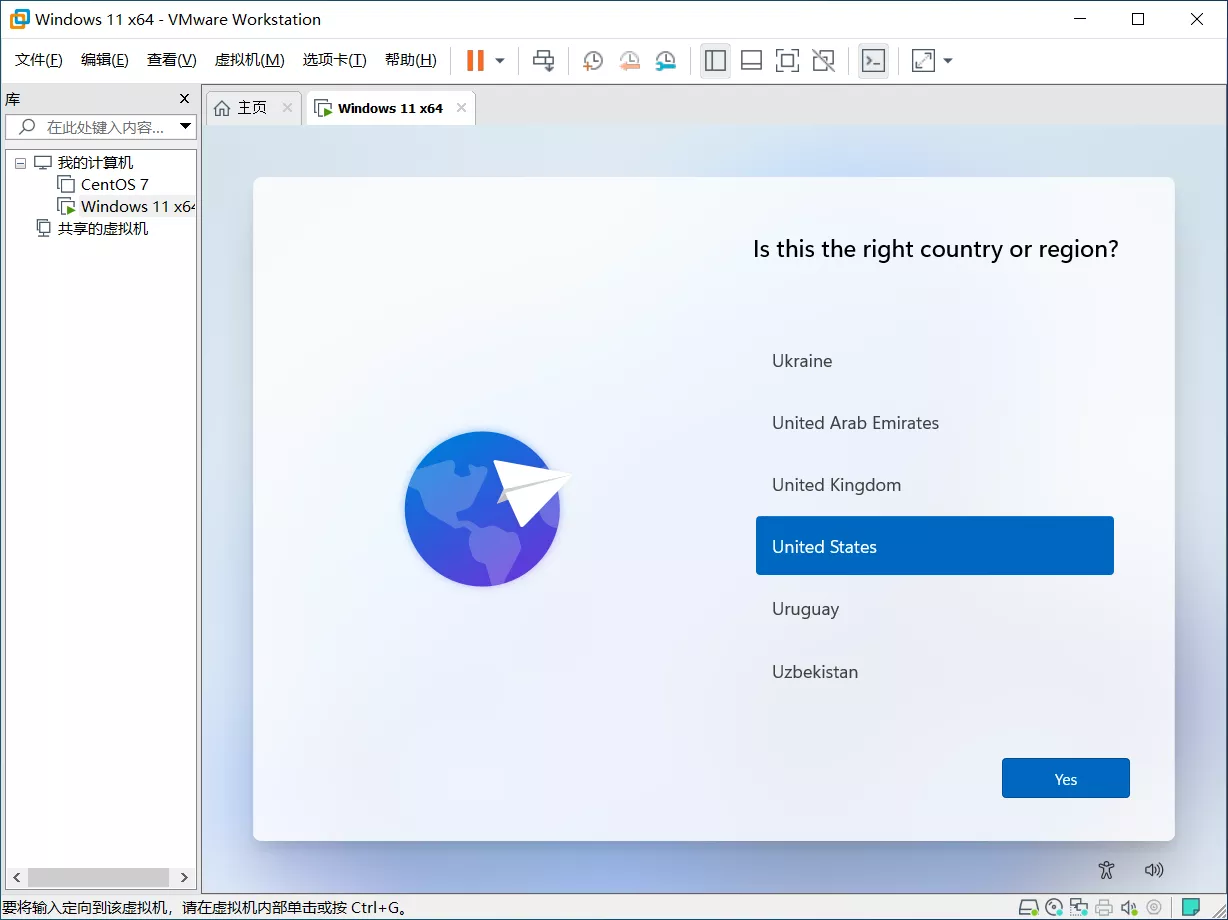
The configuration steps look different from Windows 10. Windows 10 went flat; Windows 11 feels more textured—Microsoft going back and forth again. There are fewer steps, too, which makes things easier. Mostly it's just language, input method, password (and security questions, surprisingly), and accepting the license terms.
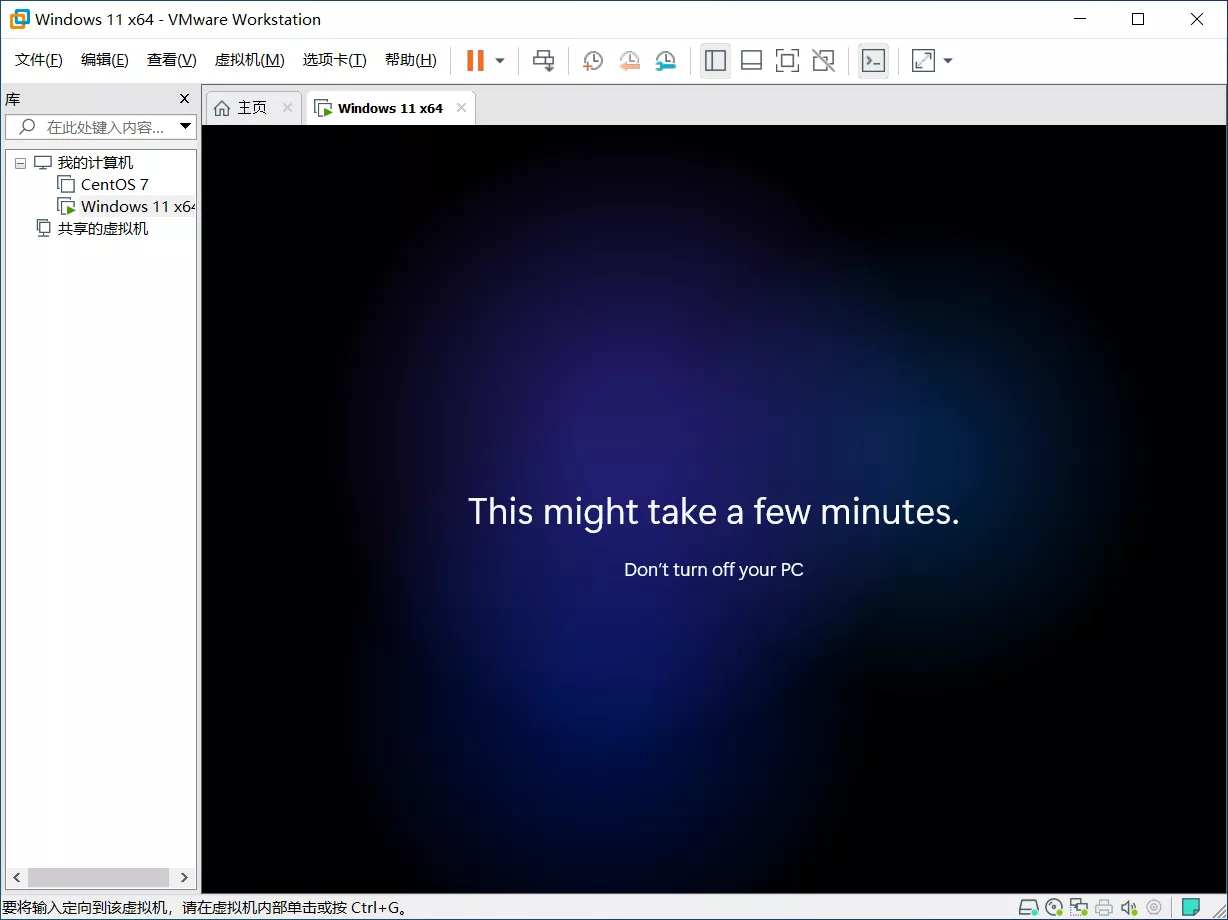
The 'just a moment' phase really did take only a few minutes this time. The English build didn't seem to have the usual spoken intro. The background was a shifting pattern of light spots.
Then the desktop appeared—well, the Start menu first. Microsoft clearly wants you to notice that the Start menu has changed. And it has: live tiles are now plain icons, or more bluntly, the square boxes around the icons are gone.

Living with it
I installed the virtual machine guest tools first so I could get better graphics acceleration.
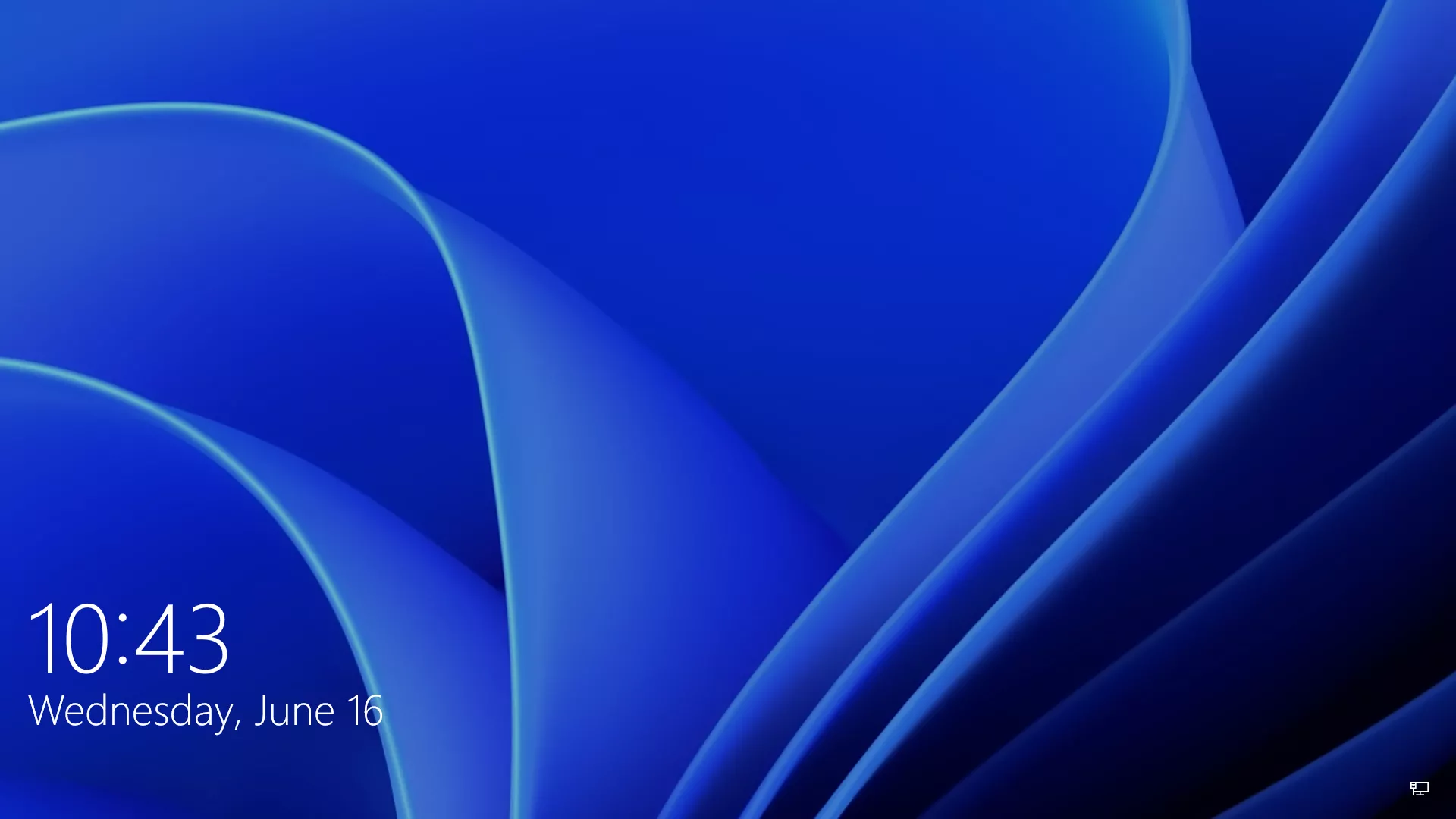
The lock screen is the same old thing, no real change. The startup sound is back, though.
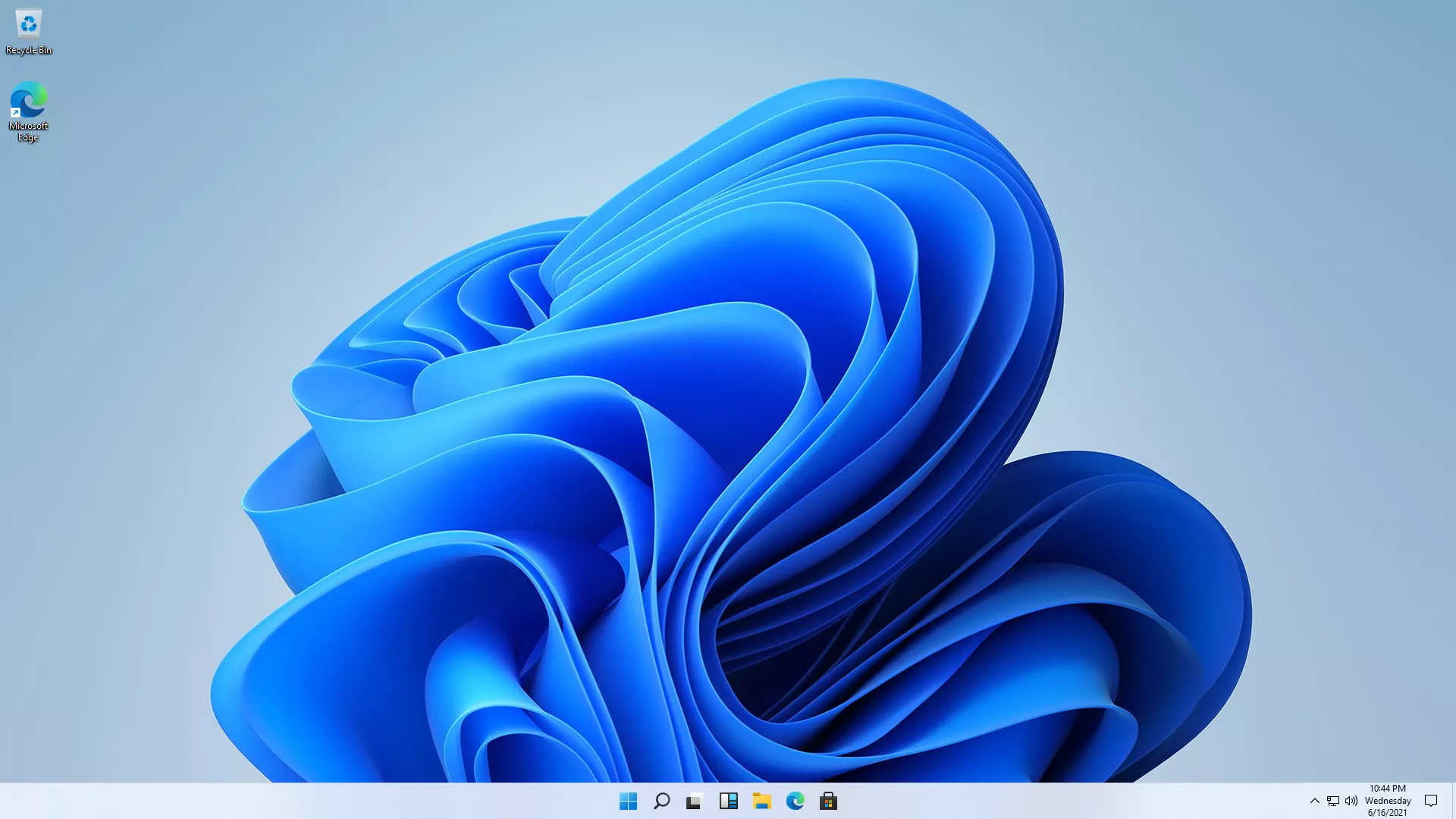
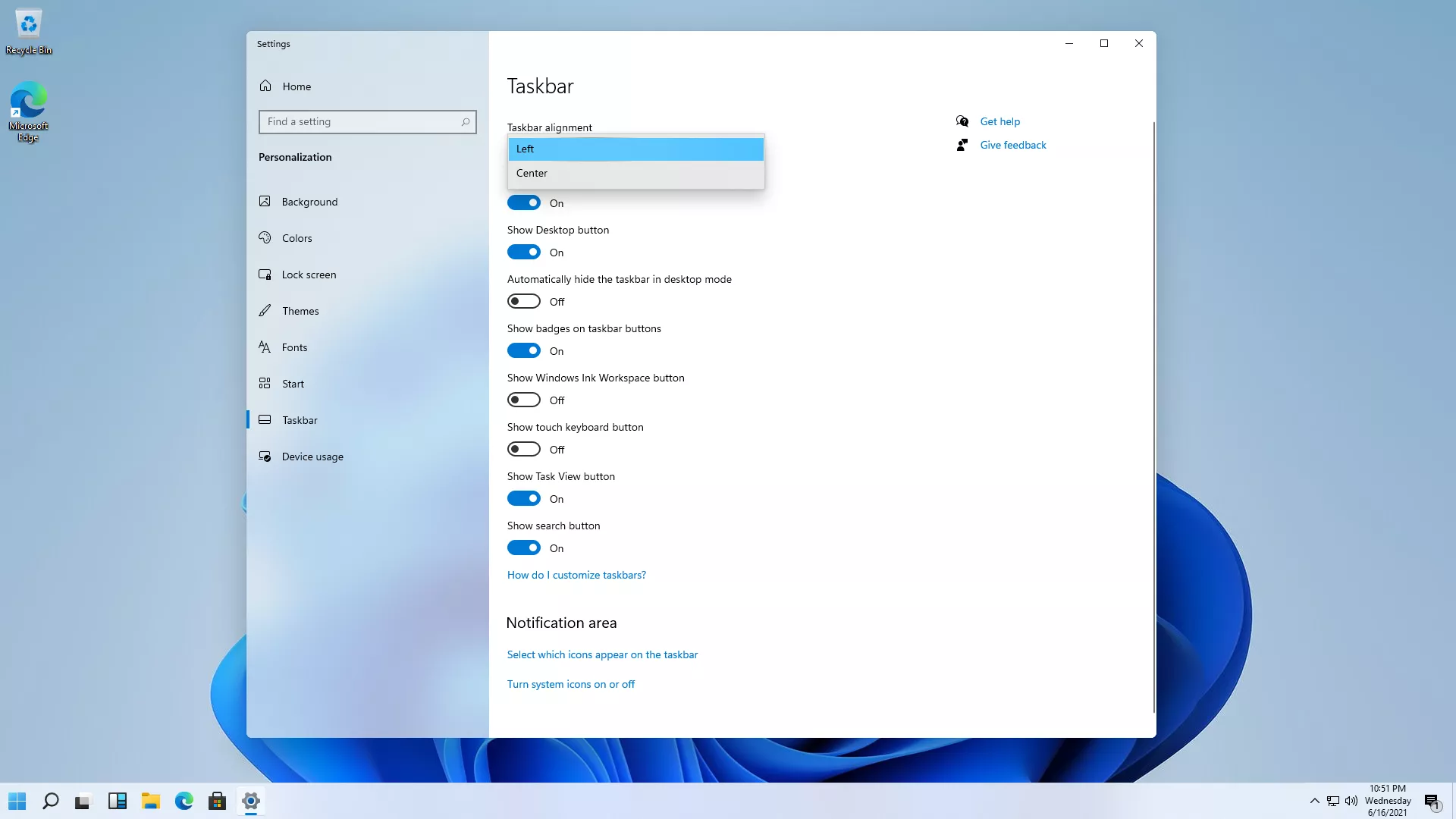
On the desktop, a clean install now shows two icons, including an Edge shortcut. The bottom-right corner is mostly unchanged. The biggest difference is obvious: the taskbar icons are centered. It feels like change for change's sake. Icon style has moved from flat to textured, and windows now have rounded corners.
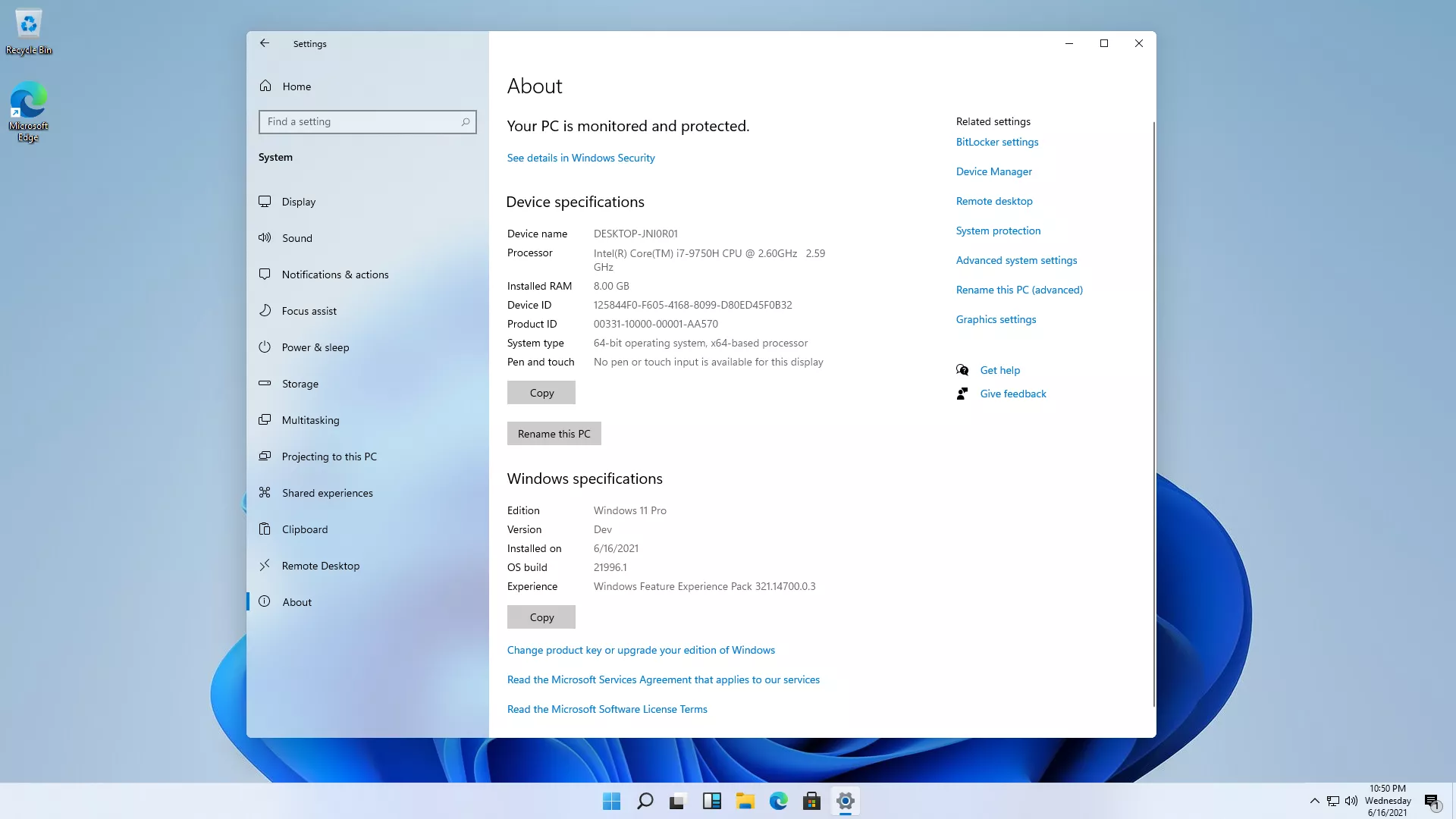
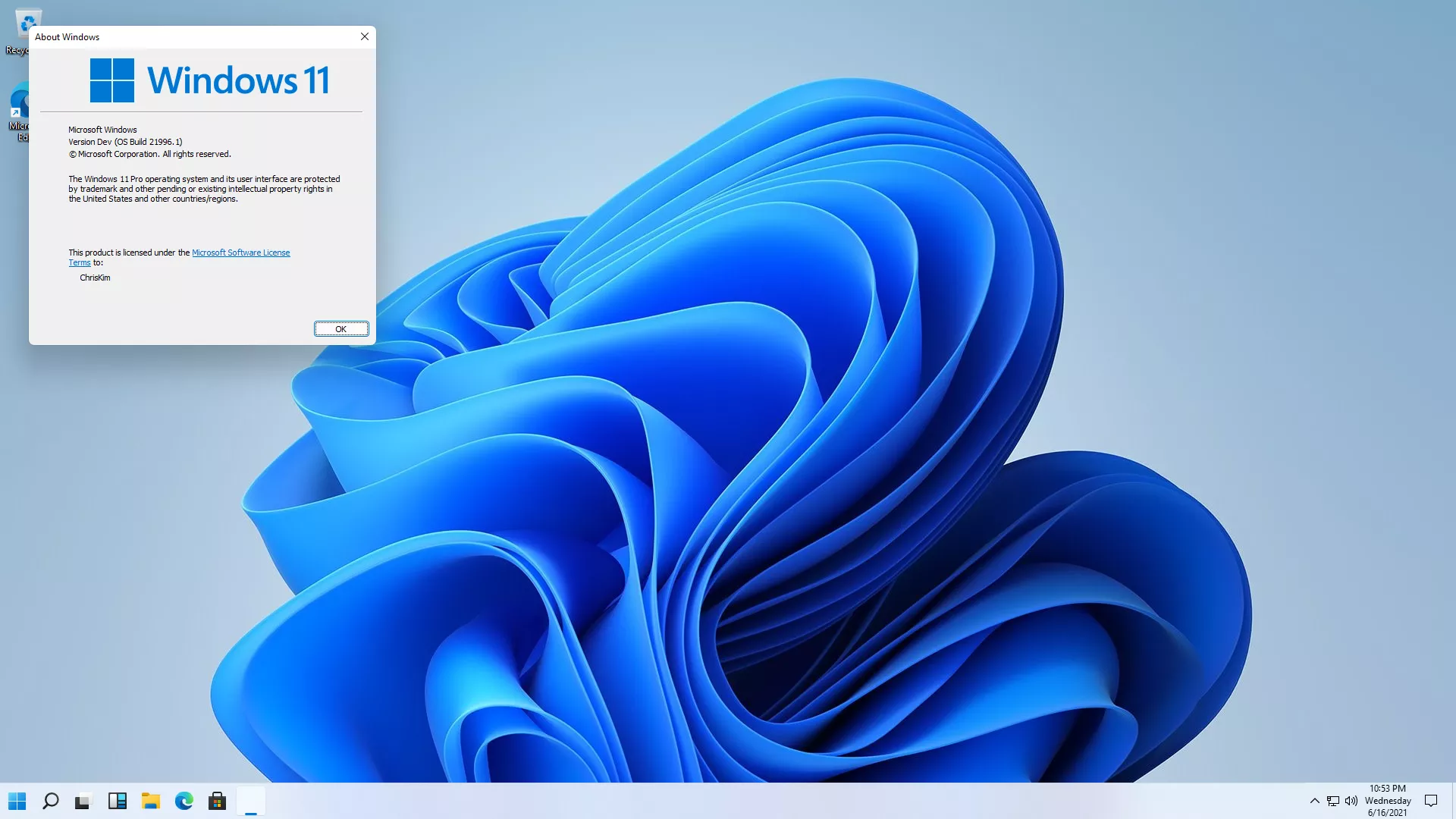
The system version reads Windows 11 Pro, but it's marked as a Dev build.
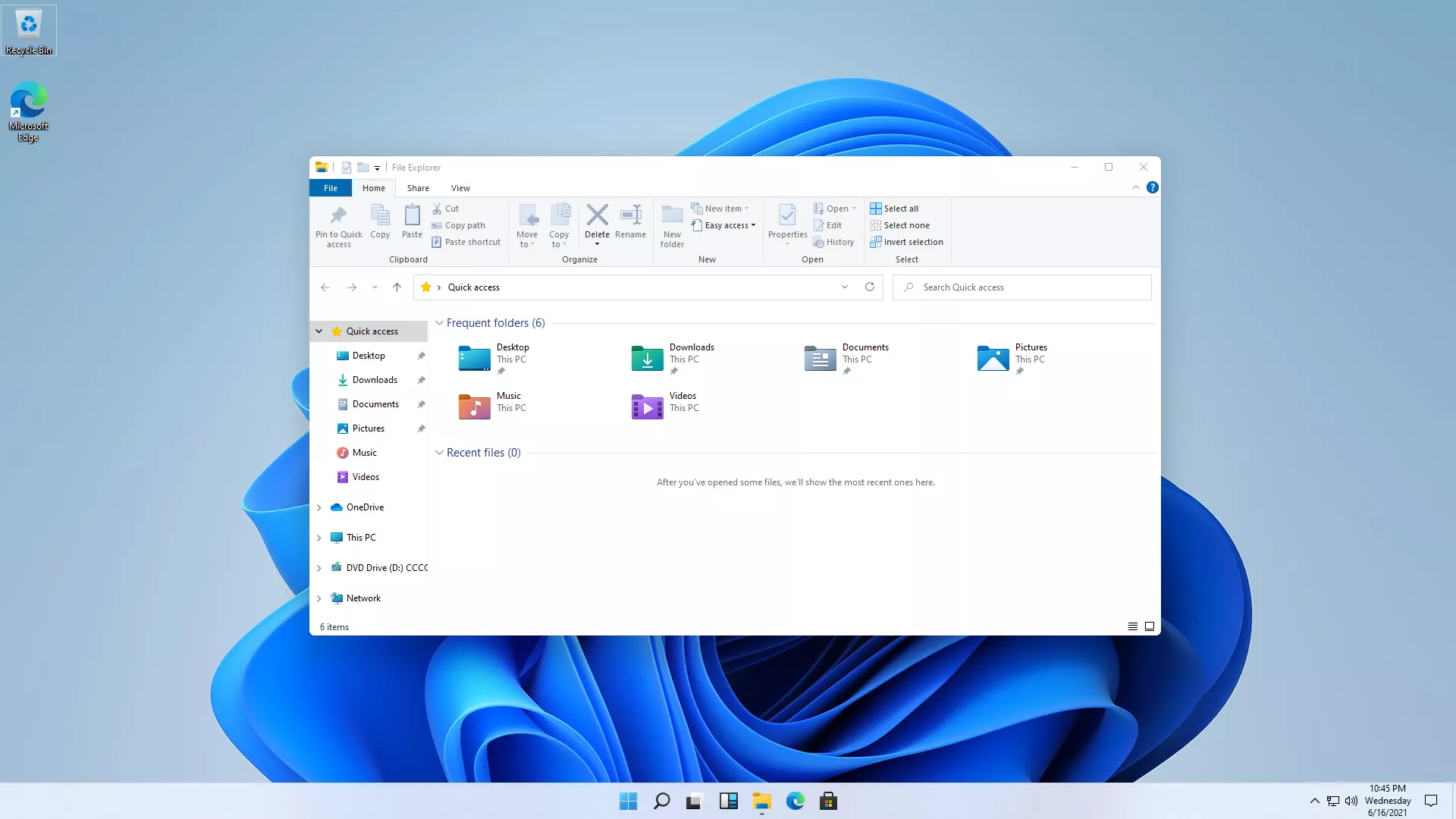
File Explorer is largely the same apart from the icons.
If the centered taskbar bothers you, you can move it back.
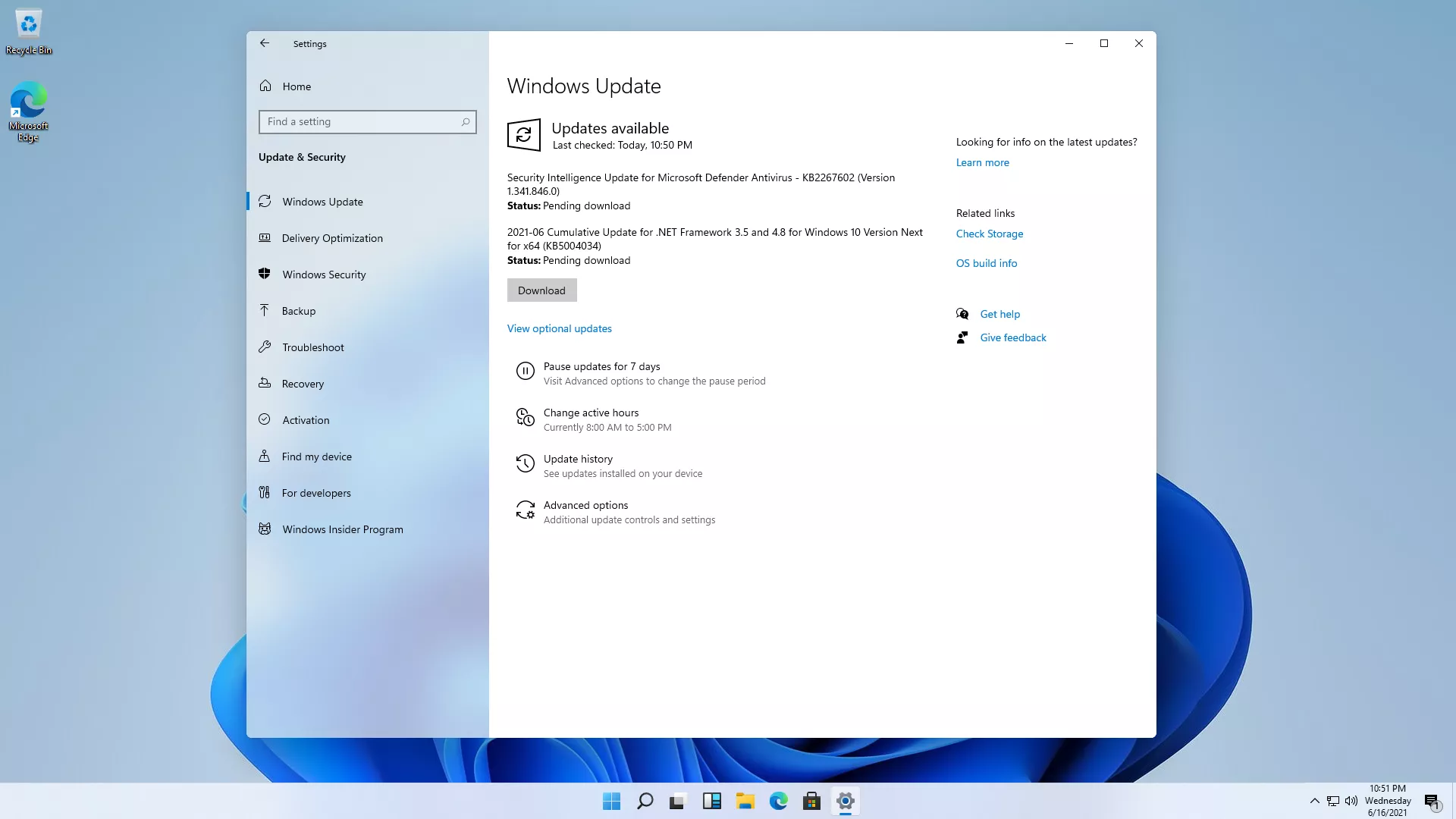
According to other users, Windows Update finally has a download button, so you can decide when to install updates.
Activation and old icons
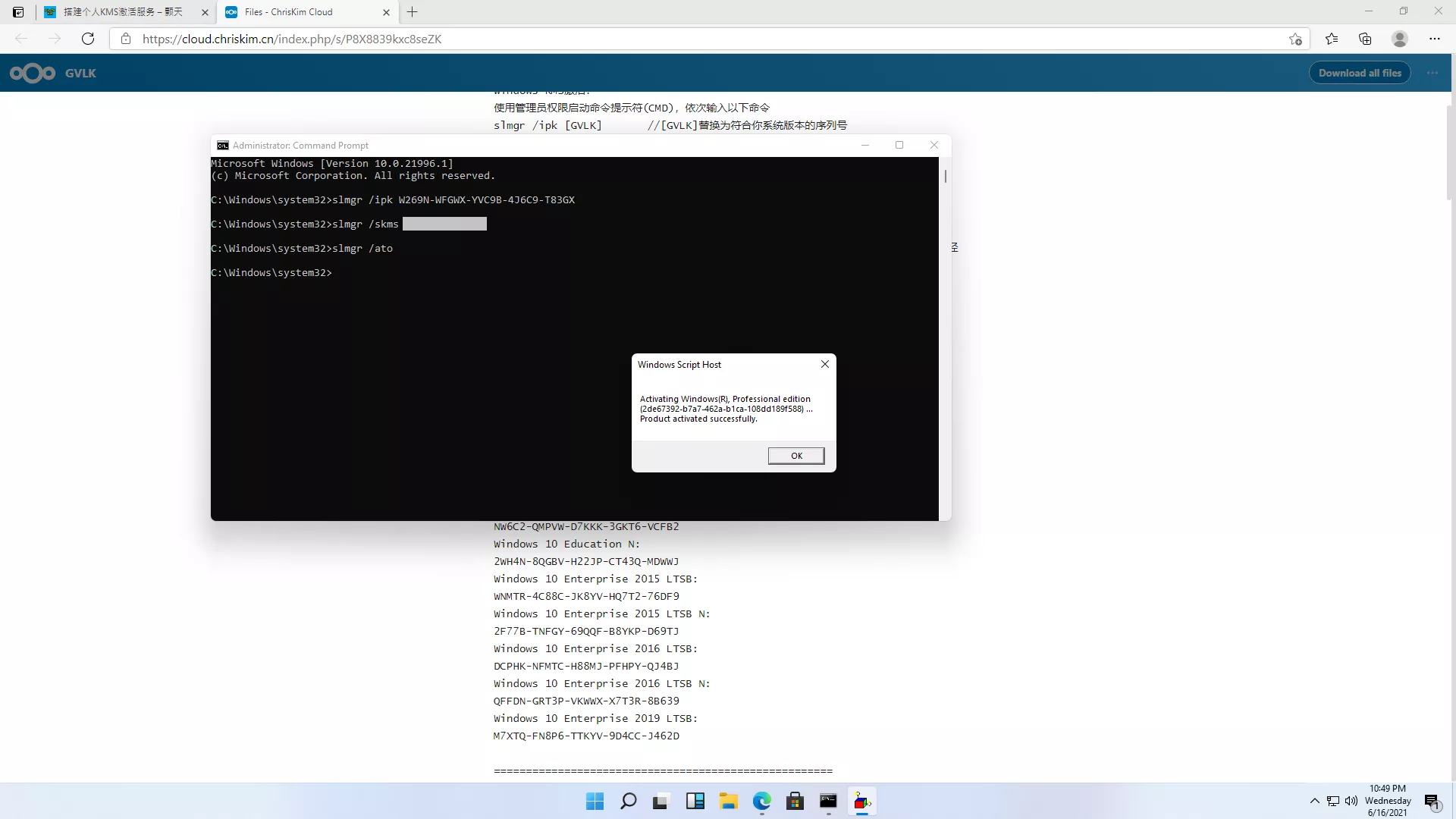
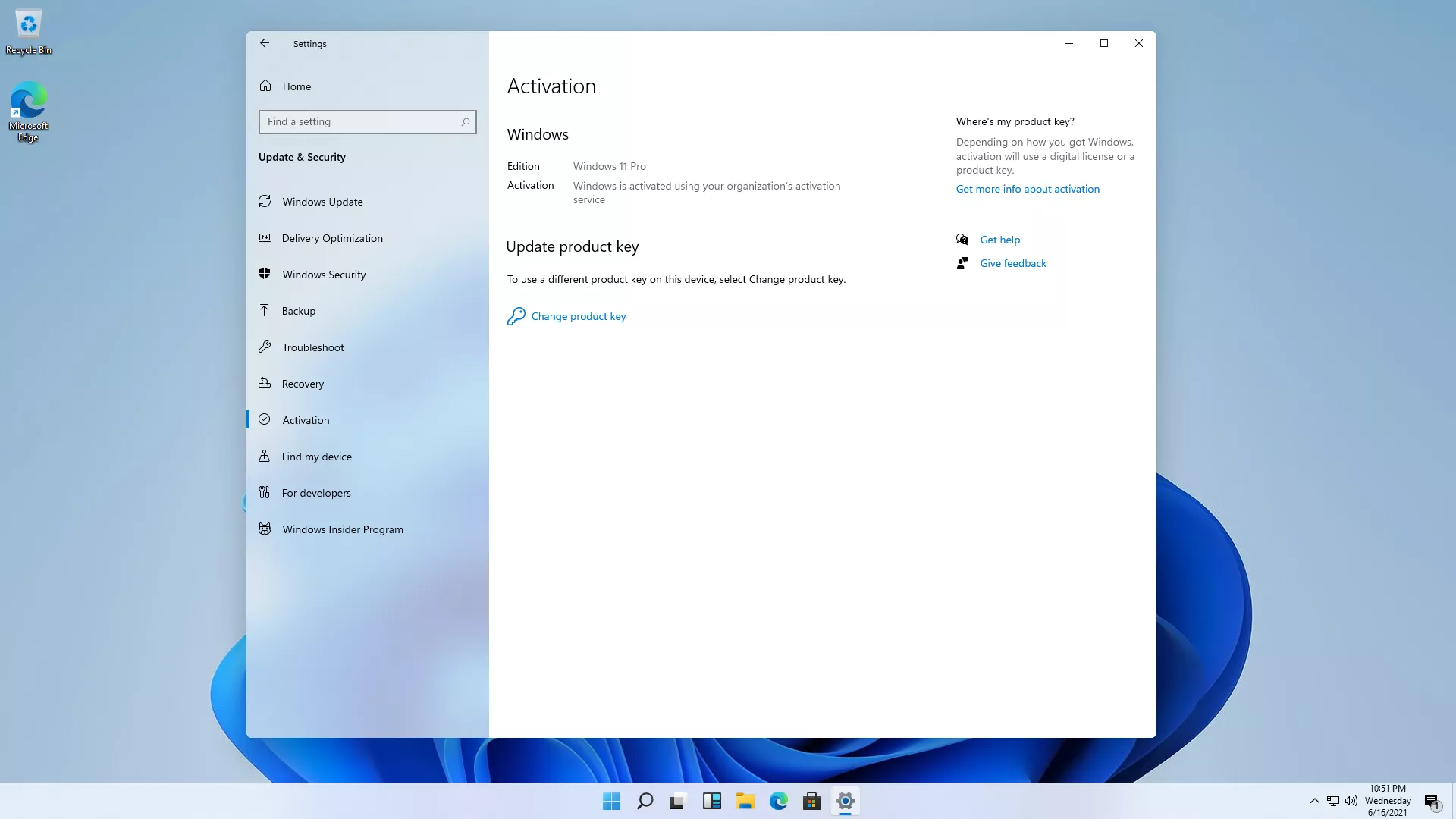
I skipped entering a product key during setup, so the system was unactivated. I wondered: could Windows 11 be activated with a Windows 10 KMS key? I installed the Windows 10 Pro GVLK and tried activating it against my own KMS server. To my surprise, it worked. It looks like Microsoft treats Windows 11 as Windows 10 under the hood.
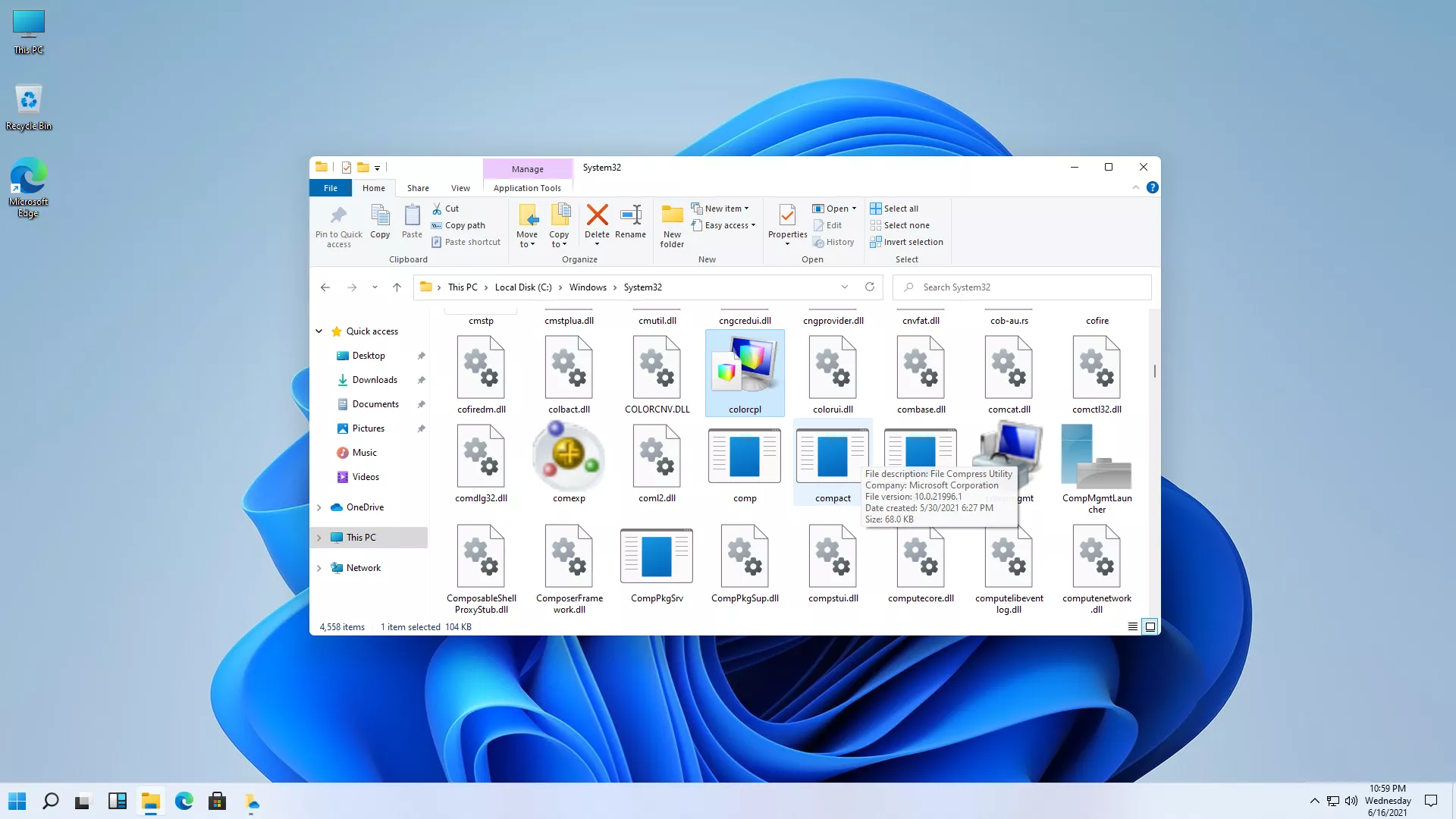
The icons are probably the biggest visible change. I assumed Microsoft had updated the whole set, so I poked around System32. Not quite—plenty of ancient icons are still there, the same legacy leftovers as in Windows 10.
Final thoughts
My reaction to Windows 11 is disappointment. It really is a reskin. I'd rather call it 'Windows 10 with a new skin.'
Aside from the icons, most changes—including the Start menu—are cosmetic. Stability and performance are hard to judge in a virtual machine, and I couldn't use it long enough to form a real opinion.
If Windows 11 were a paid upgrade, I wouldn't spend money on this reskin. If it were a free upgrade from Windows 10, I still wouldn't update just for the icons—unless it actually performs better than Windows 10.
It feels like Microsoft has stalled on the OS front, maybe even gone downhill. Its main business isn't the operating system anymore. Times have changed.