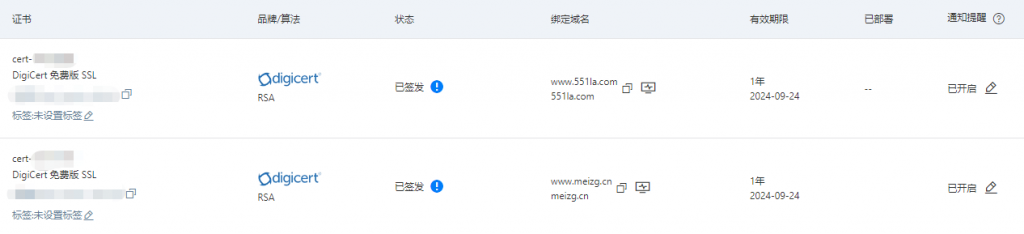
The blog and the directory site both use Alibaba Cloud’s free SSL certificates, each valid for one year. Since this only comes up occasionally, it’s easy to forget the exact steps, so this is a simple reminder for next time.
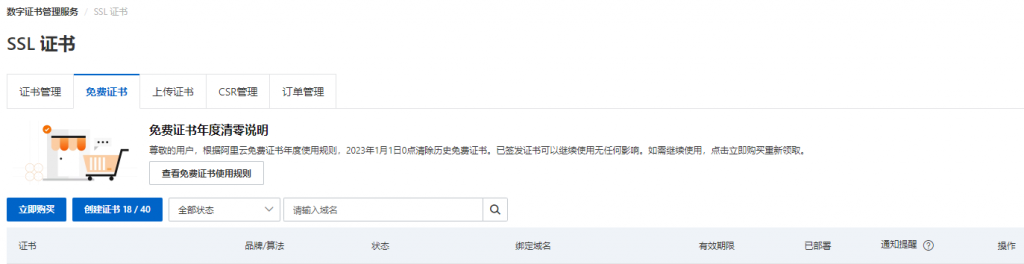
Certificates are usually flagged by email before they expire. The first step is, of course, to request a new certificate. Alibaba Cloud provides a yearly quota package of 20 free certificates per calendar year. After clicking Create Certificate, the next step is to submit the application. In most cases, it only requires filling in the bound domain name, and approval plus issuance usually arrive within a few minutes.
Once the certificate has been issued, deployment comes next. A TXT DNS record needs to be added for domain verification.
Because the blog’s domain and hosting are both on Alibaba Cloud, this part is completed automatically. The directory site is hosted with other providers, but its domain uses Alibaba Cloud DNS, so the TXT record is also added automatically there, which saves quite a bit of time.
Deployment is automatic for the blog as well, since it runs on Alibaba Cloud hosting. The directory site takes a few more steps: the IIS certificate has to be downloaded, uploaded to the server as required, then imported as an SSL certificate. After that, the corresponding certificate can be enabled in the Huweishen hosting management panel.
For the blog, enabling the new certificate is straightforward. In the control panel, go to Virtual Host → Domain Management → Domain Binding, disable the Cloud Shield certificate first, wait a few minutes, and then enable it again. For the directory site, once deployment is done, refreshing after a short wait is enough for the new certificate to take effect.