Public acceleration IPs are convenient until they stop working. A public route—such as the free acceleration IP run by the NoCheatPlus team—can be enough for normal play, but when it has problems, Minecraft simply cannot connect. Running a small forwarding VPS gives you a route you control, and the setup is fairly short.
Choose a VPS that can carry the route
The first requirement is an overseas server with a good CN2 line. There is no shortage of cloud providers—Alibaba Cloud, Tencent Cloud, UCloud, Huawei Cloud, and others—so pick one you are comfortable with and buy a VPS from the relevant region.
For players in southern China, a Hong Kong server is a reasonable choice. Other regions can use servers in Japan or the United States. Choose a CentOS-based system, and a 5 Mbps bandwidth plan is suggested. After purchase, you will receive an IP address and a password.
Next, make sure you have an SSH client. Windows 10 and 11 include one by default. If it is missing, enable it through “Turn Windows features on or off.” On other systems, install a client such as Xshell, FinalShell, or PuTTY.
Connect to the server
Use the IP and password you received. For example, if the server IP is 192.173.261.222, connect from a terminal:
ssh [email protected]
# The first connection will show an unknown host warning; type yes to confirm
[email protected]'s password: _ # Enter your password
# If the screen seems unresponsive, don't worry—the password has already been entered
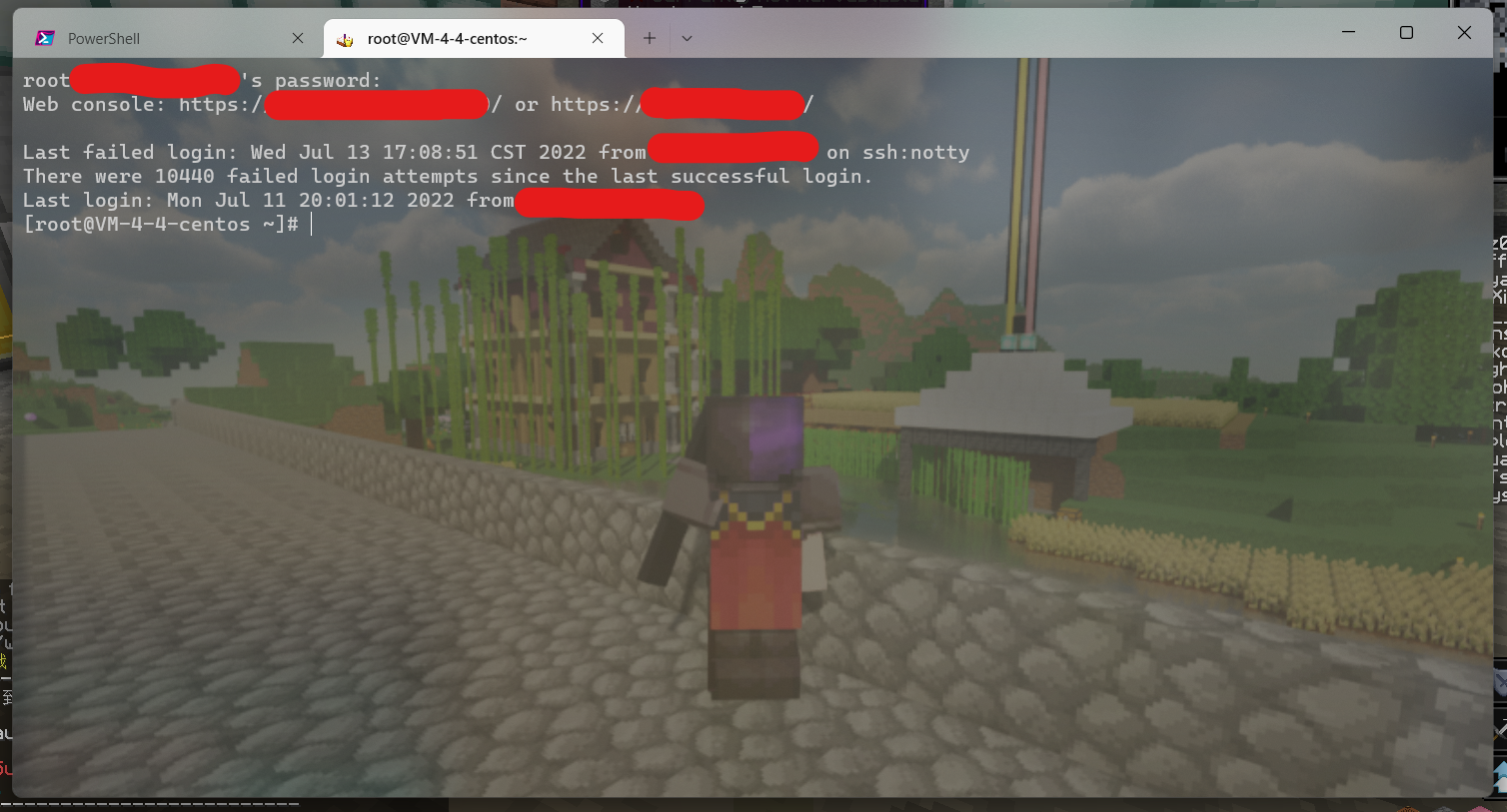
Once the session opens, you are on the VPS.
Set up traffic forwarding
You will need a traffic-forwarding script. The exact tool is a matter of preference; this example uses Brook.
cd /
mkdir brook
cd brook
wget https://b2.230225.xyz/brook.sh
bash brook.sh
Choose 1 to install Brook. When installation finishes, run bash brook.sh again, then enter 7 and 1 in that order. You should see a configuration page like this:
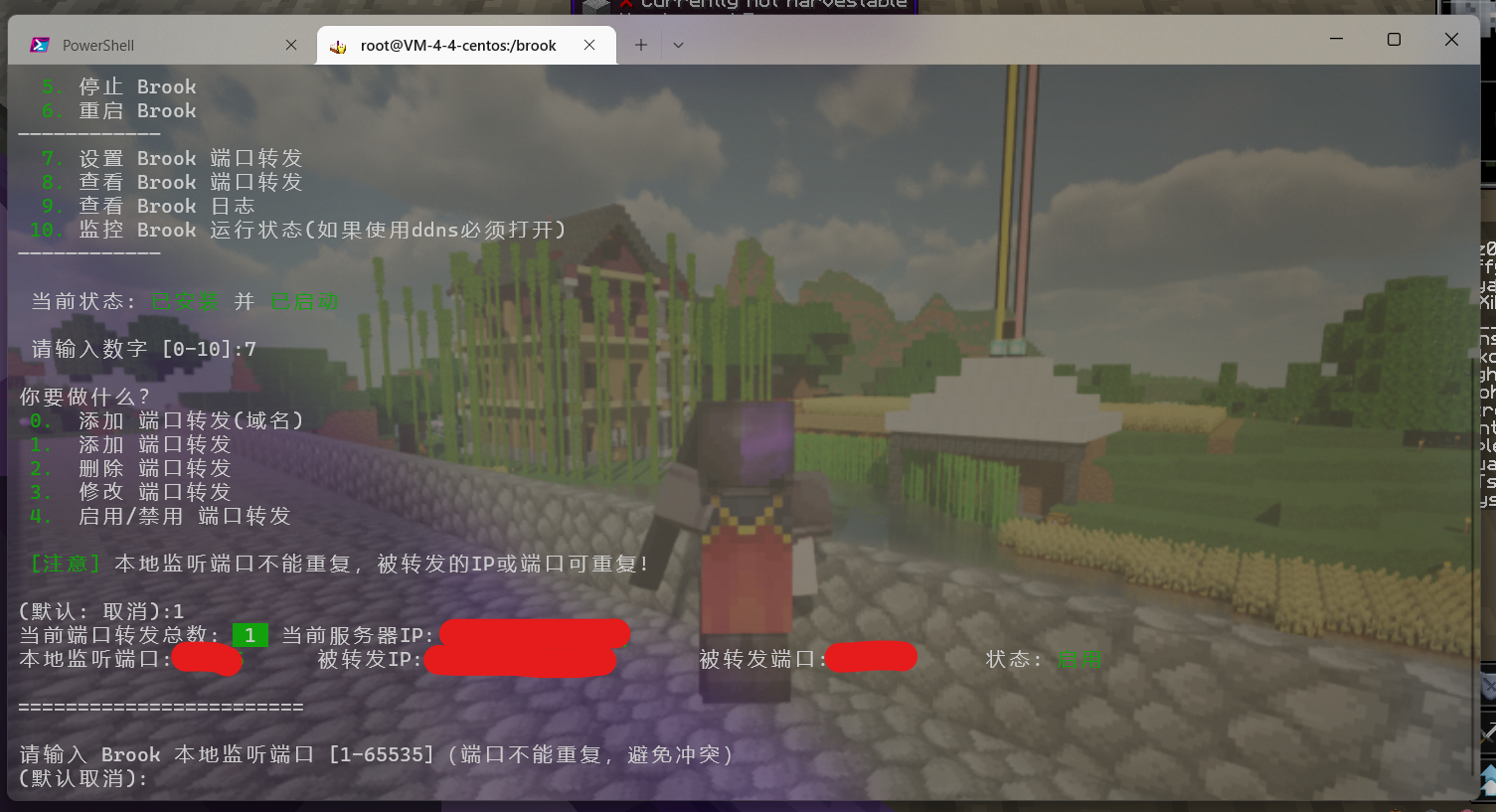
Follow the prompts. Set the local listening port to 25565. For the target IP, use any IP returned when resolving mc.hypixel.net. Set the target port to 25565.
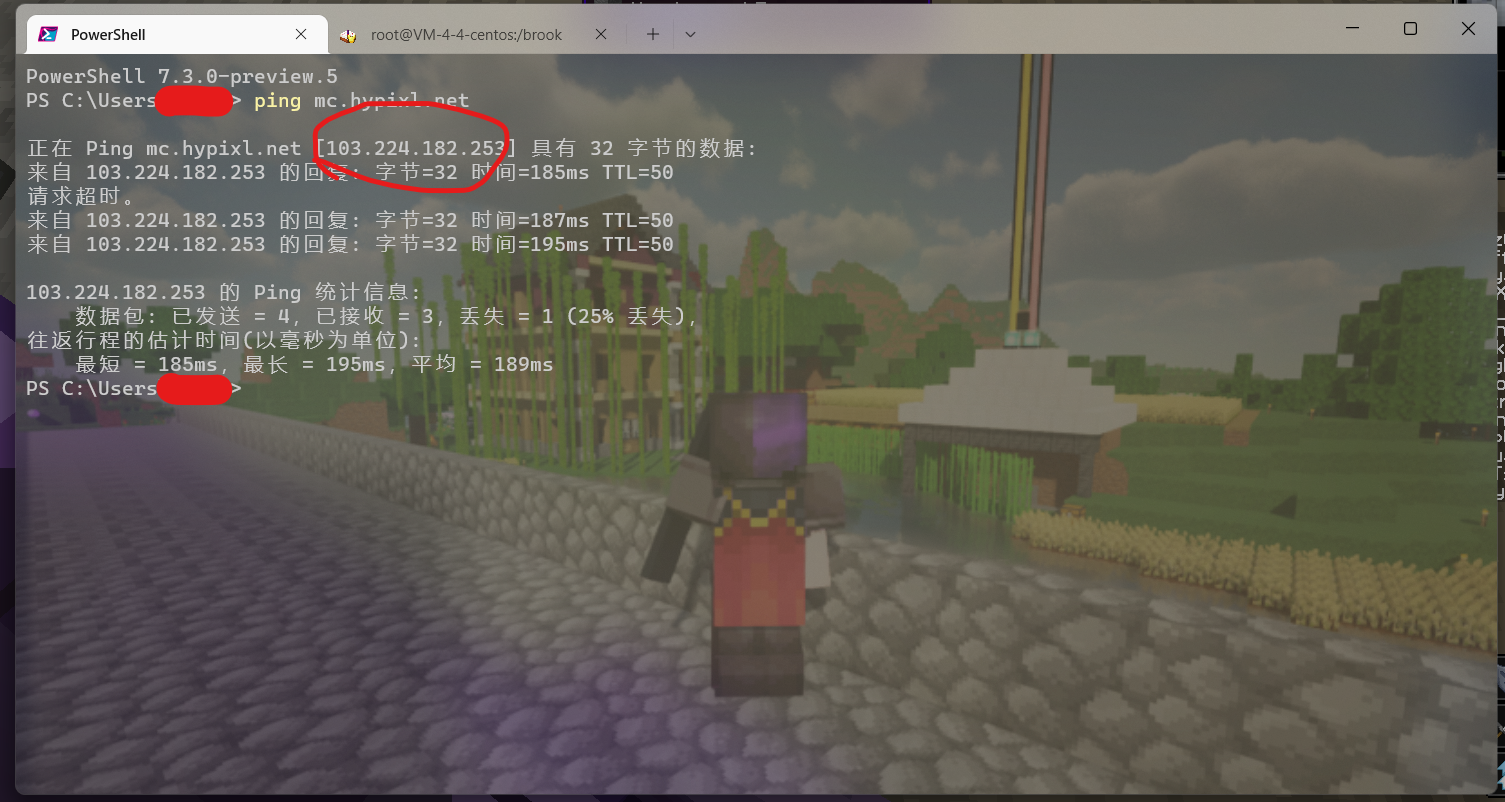
The IP circled in red is the one to use. After all fields are filled, enter Y to confirm and enable forwarding.
Override the domain with hosts
Connecting to Hypixel by IP alone will not work. Hypixel returns a “non-official IP address” message and asks you to use its own connection address. The check is weak: it only looks at whether the domain you are connecting with belongs to Hypixel.
Open Notepad (or any text editor) as administrator, open File Explorer, and enter this path in the address bar:
C:\Windows\System32\drivers\etc\
# If something goes wrong, try replacing Windows with WINDOWS
Find the file named hosts—it has no extension—and open it in the editor. Add a line like this:
xxx.xxx.xxx.xxx mc.hypixel.net
# If you want to keep the original resolution for mc.hypixel.net, just replace mc with any string
# Replace xxx.xxx.xxx.xxx with your own server IP address
Save the file. Now start Minecraft, enter the domain you added to the hosts file, and try to connect.