CentOS 6 may be old, but it still shows up in Docker work. After pulling an official CentOS image, I could not connect over SSH and assumed the network was the problem. The actual issue was that the image did not come with SSHD, so I installed and enabled it.
First, check whether the SSH package is present. If it is missing, install openssh-server:
rpm -qa grep ssh
yum install openssh-server  # If it is not installed, run this command
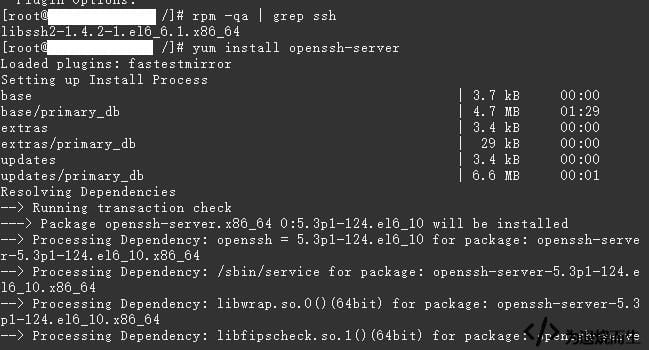
The package was not installed at that point; the screenshot shows the check result.
Next, check whether sshd is running and start it if necessary:
service sshd status
service sshd start  # If it is not running, start it
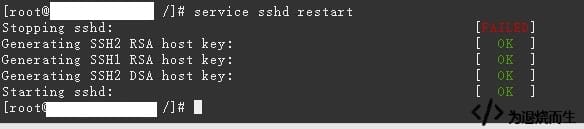
The command in the screenshot should not be service sshd restart; that was a typo.
Then set it to start at boot:
chkconfig –list sshd  # Check whether sshd is set to start at boot in the current runlevel
chkconfig –level 2345 sshd on  # As shown in the CentOS 6.5 screenshot, SSH is already set to start at boot in this runlevel; if it is not set, use the following command
# If the previous command does not work, try this command: chkconfig sshd on
The screenshot shows the runlevel setting on CentOS 6.5. If it is not enabled, use the command above.

With sshd started and enabled at boot, the container is ready for SSH connections.