Before moving to the Lenovo Xiaoxin Pro 13, I was using an ASUS TUF Gaming FX86. Performance-wise, that machine was still perfectly usable and probably had a few good years left in it. The problem was not the specs — it was the weight.
After starting work, carrying a laptop that heavy every day became unbearable. The whole setup was around 6 kg, and by the time I got off work I was already exhausted. Add that backpack weight on top, and I really could not take it anymore. After thinking about it for a few days, I finally decided to bite the bullet and switch.
So I started comparing laptops across different platforms, mainly looking at price, configuration, and portability. In the end, I chose the Ryzen version of the Lenovo Xiaoxin Pro 13. The configuration is an R7-4800U, 16 GB of RAM, and a 512 GB SSD. It is light enough for daily commuting, still capable of some gaming after work, and it also has facial recognition. Pretty nice.
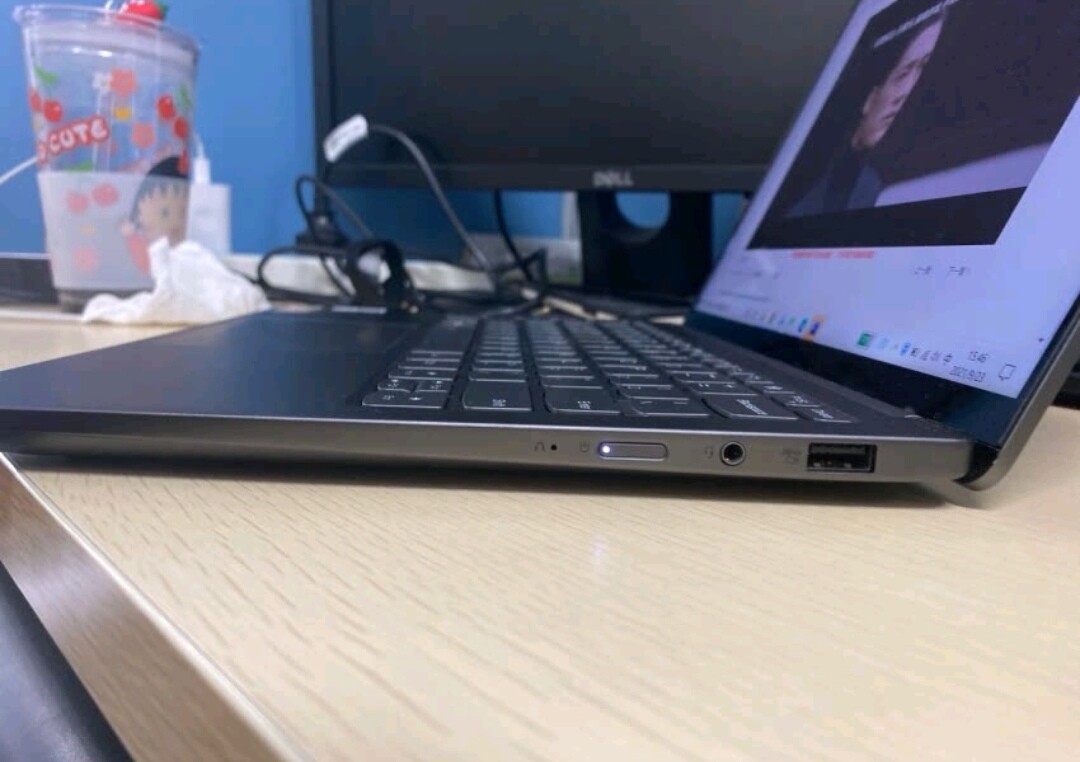
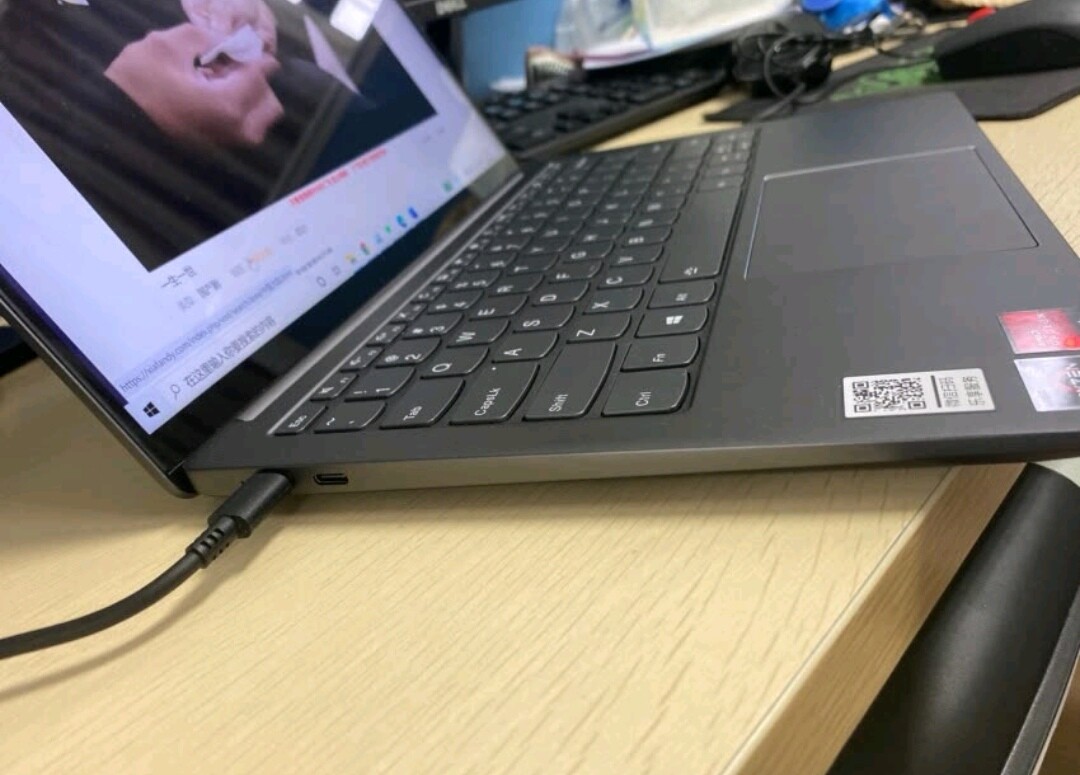
After a round of setup and migration, I moved all the data from the old laptop to the new one. I also checked the internal parts: the memory chips are from Micron, and the M.2 SSD is from Union Memory, which seems to be a brand Lenovo worked on with other companies. The annoying part is that there is only one SSD slot.
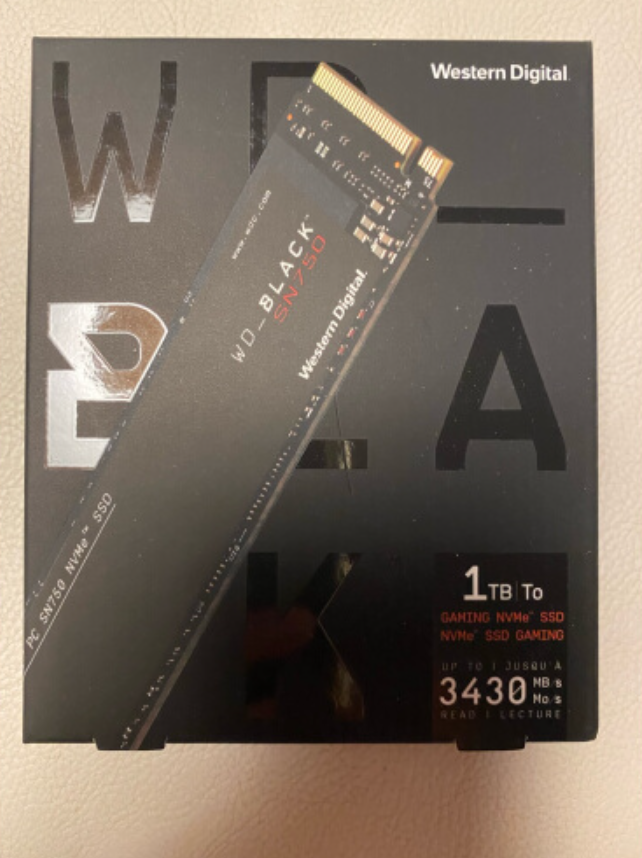
Seeing how small the original drive was made me want to replace it immediately with a WD Black SN750 1 TB. The factory 512 GB drive is simply not enough for me.
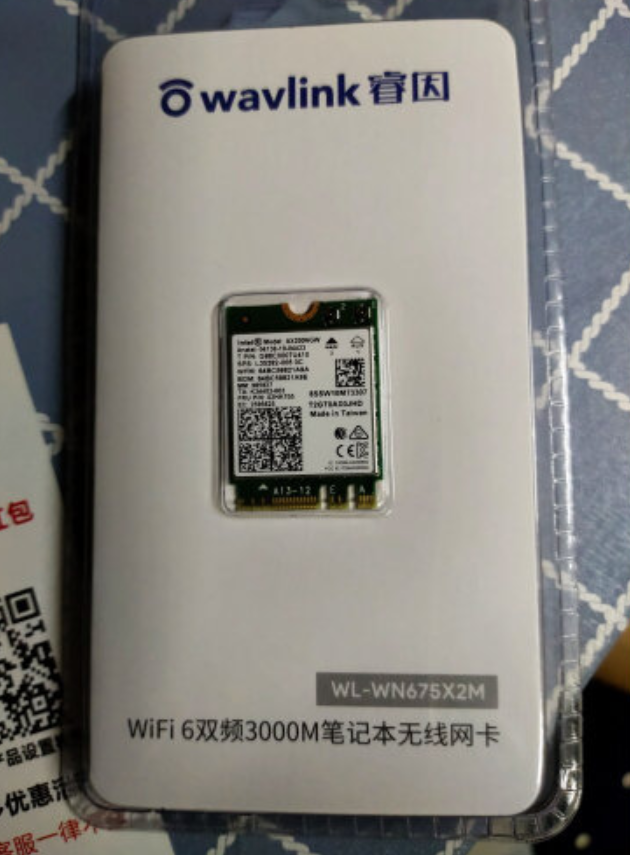
Another thing I wanted to swap was the wireless card. The original one is a Realtek 8822, and I had heard that it can sometimes disconnect from the network. I personally had not run into that issue yet, but I still wanted to change it to an Intel AX200 Wi-Fi 6 card. Since my home network already supports Wi-Fi 6, not using a Wi-Fi 6 device would feel like a waste.
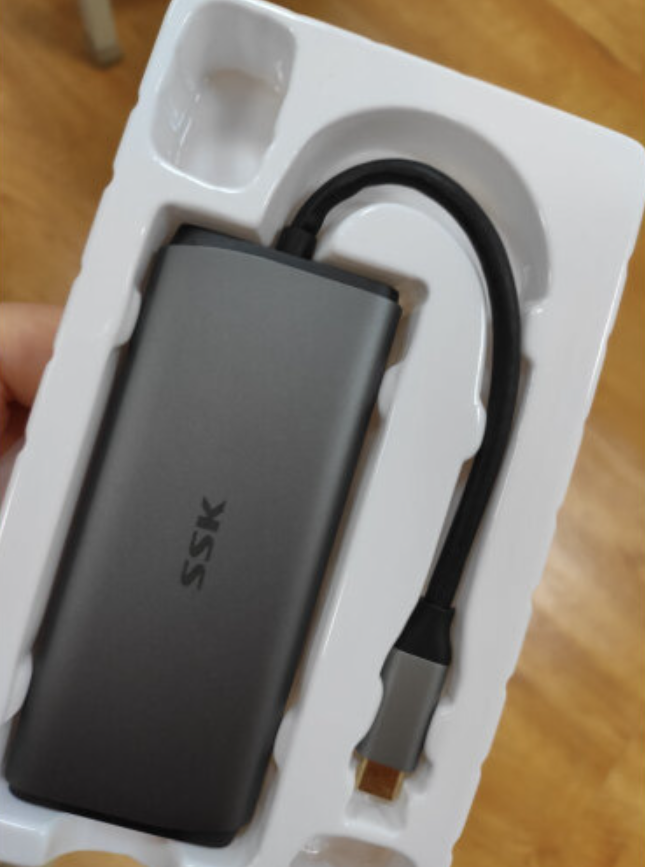
Since this laptop only has three ports — two Type-C ports and one USB port — a hub is basically necessary. I went with a six-in-one SSK hub, and it has been quite good.
After these changes, the laptop feels much closer to what I wanted. There is also a laptop stand, but there is not much to say about that, so I will leave it at that.