Beijing e-Chuangtong handles more than the business license. It can also pass documents to the social insurance and tax departments in one go. The platform is at https://ect.scjgj.beijing.gov.cn/index.
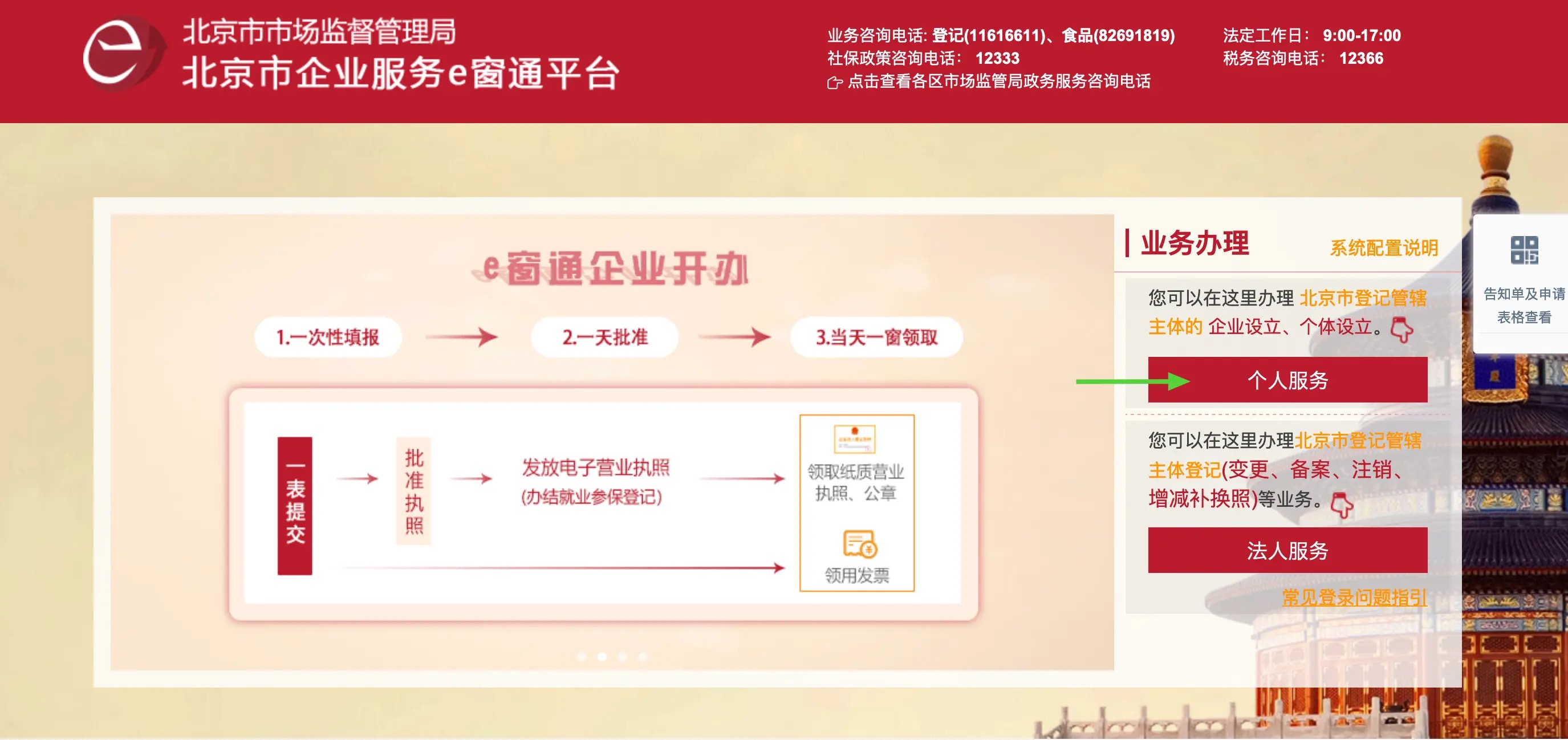
Select Personal Services, sign in, and complete real-name verification using the WeChat mini program 北京企业服务 e 窗通. Use the Save button whenever it appears. Saved progress lets you resume after an interruption instead of starting over.
Reserve the name first
Because the name can be rejected during the immediate application route, I applied for the name separately. After it passed, I went back and clicked the immediate application button for sole proprietorship establishment.

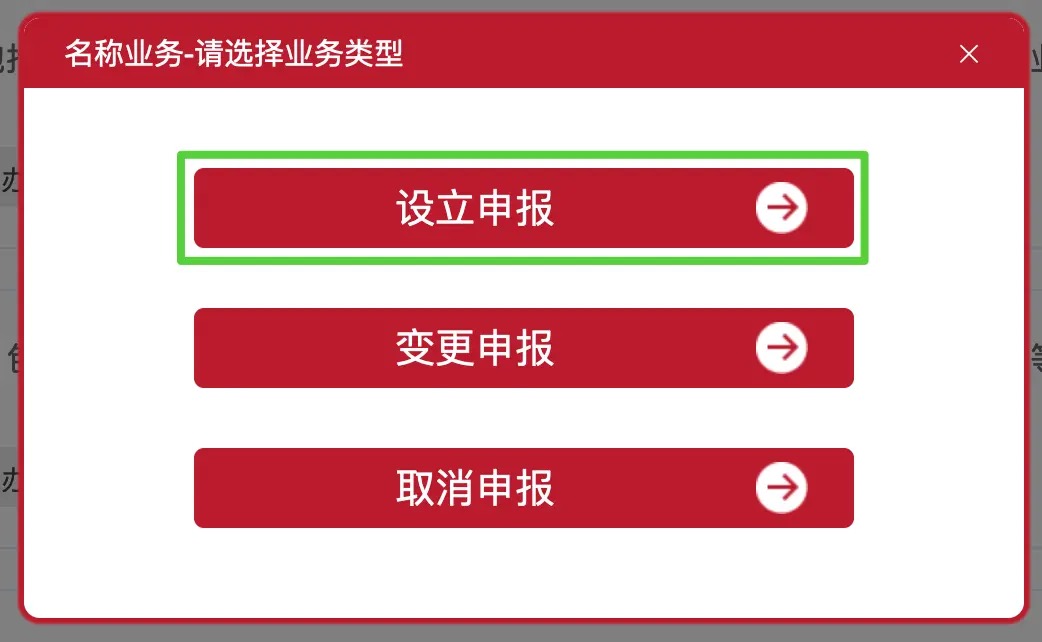
Select establishment filing.
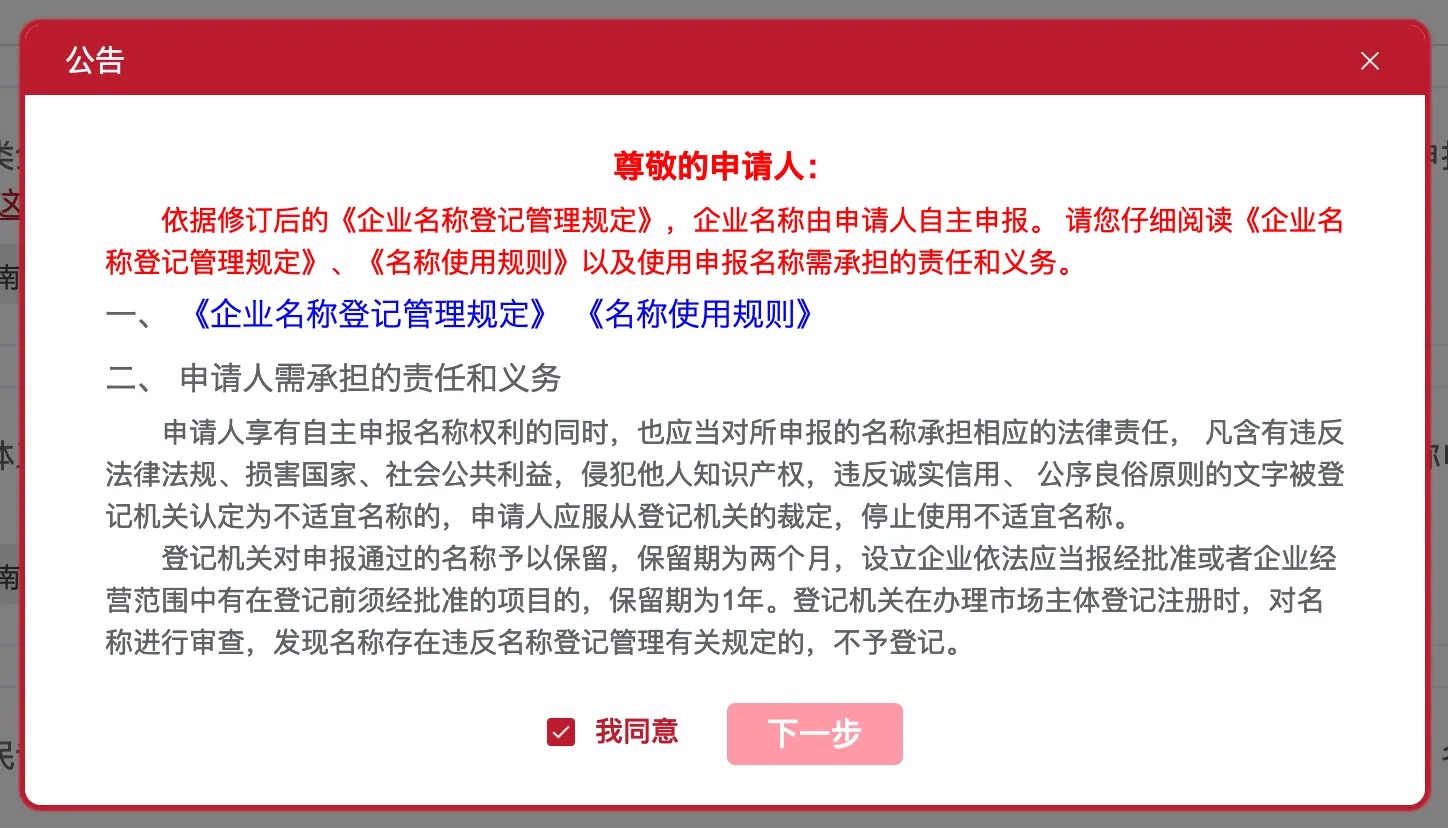
Click I agree and continue.
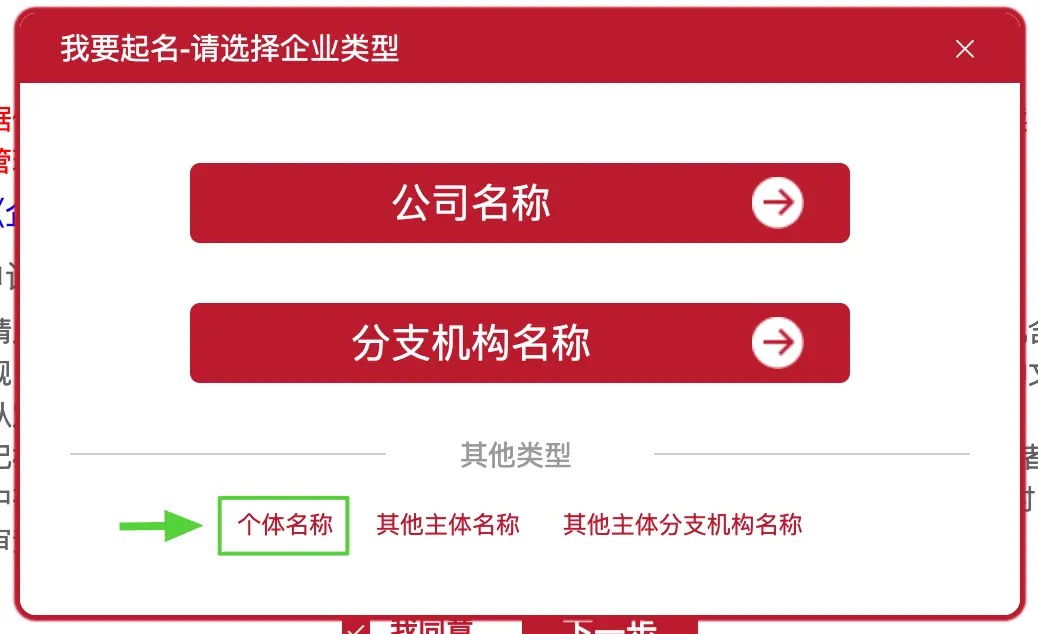
Click the sole proprietorship name option again.
Choose a trade name you like and check whether it is available. The trade name is the core of the business name. Since the online shop was going to sell clothing and similar items, I picked the suffix 商贸中心, which leaves room for a broader range of goods.
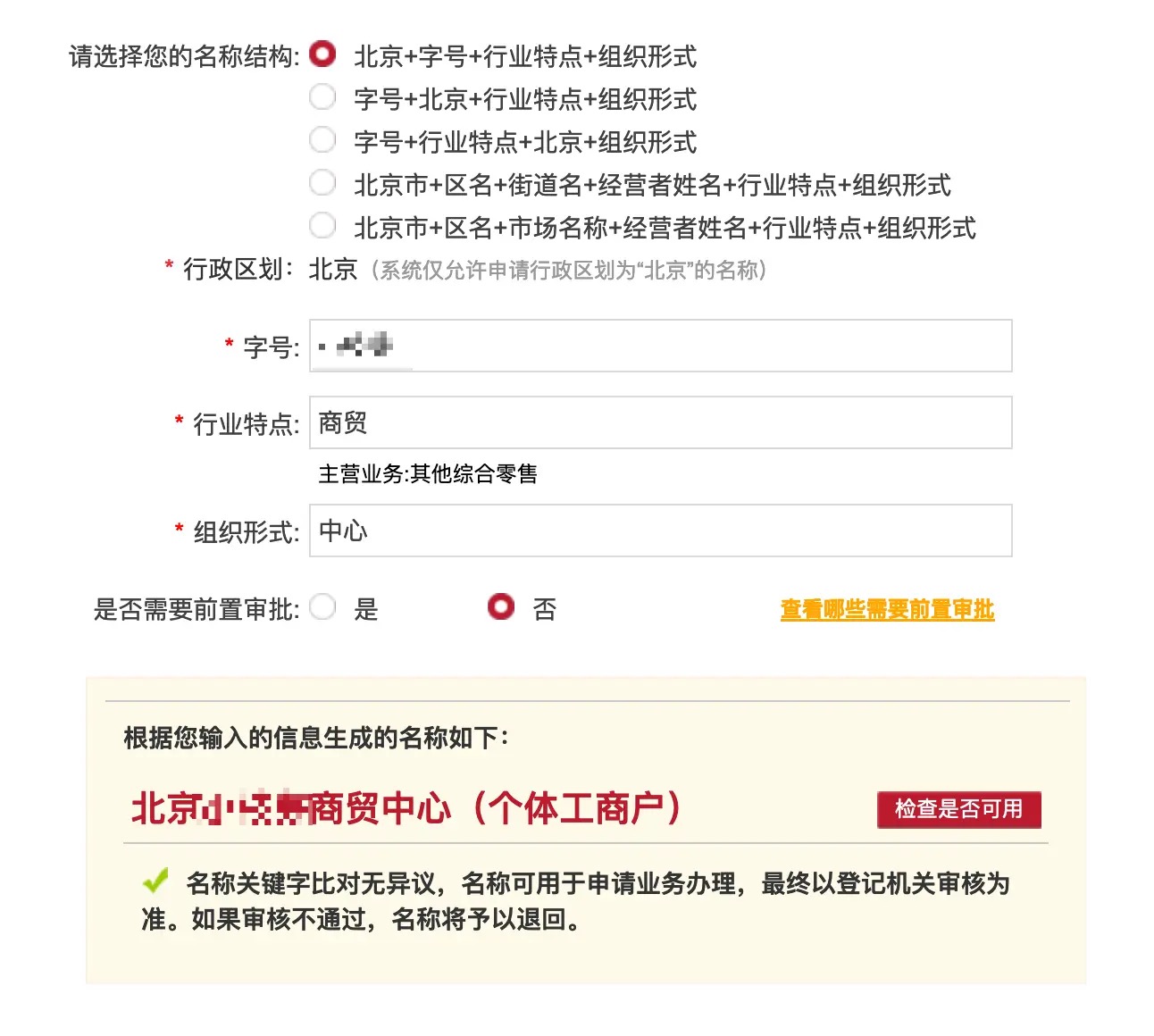
If a word may conflict with an existing company, you can still choose to continue using it and let a human reviewer decide. Once you are set on the name, click continue to supplementary information.
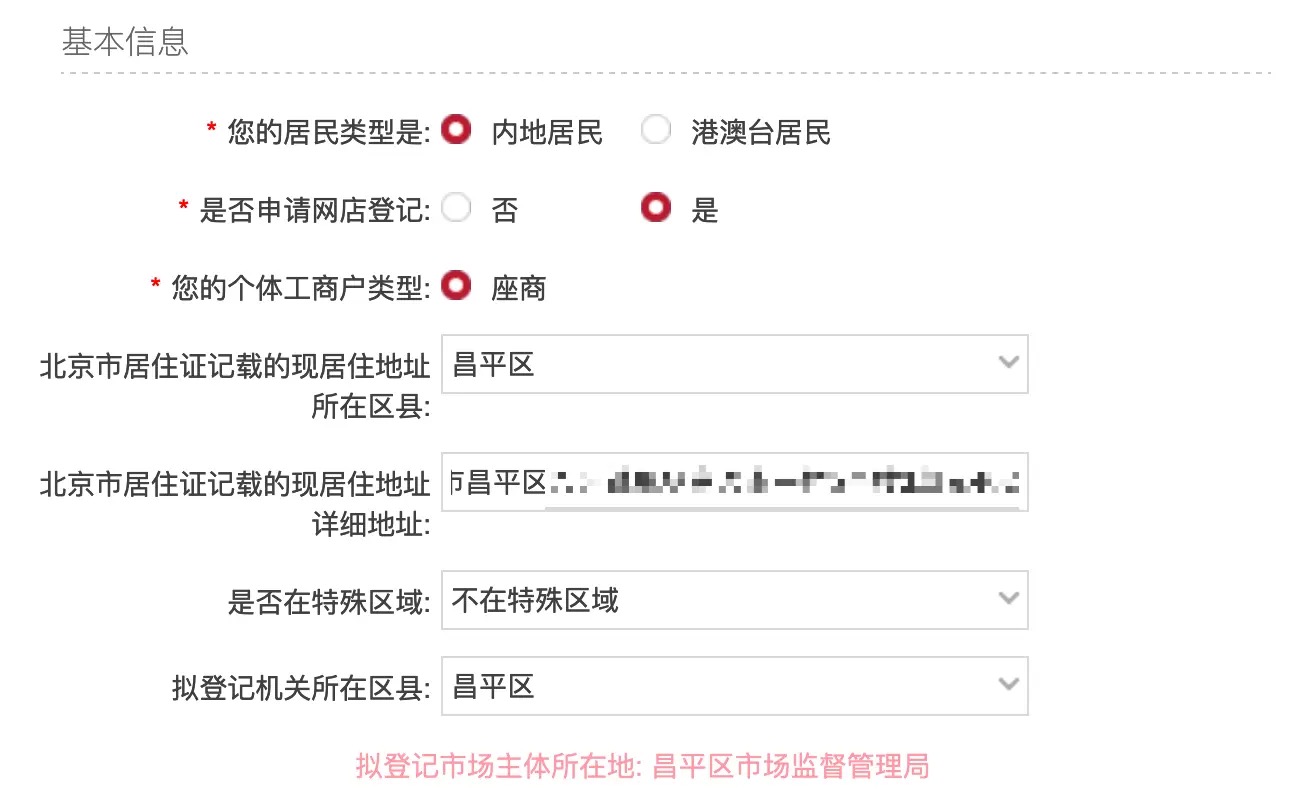
After submission, the name declaration progress appears on the home page.
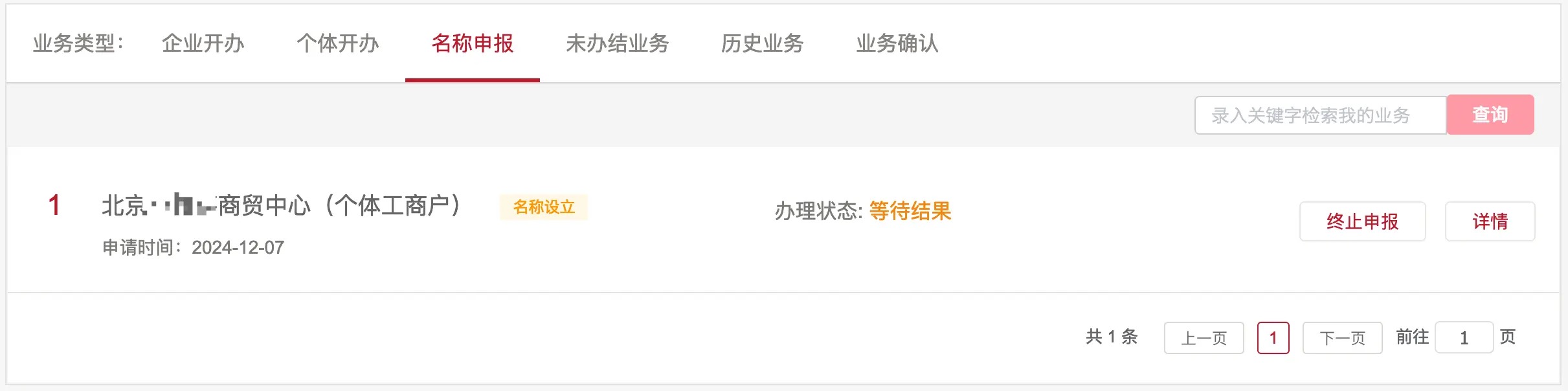
Without a conflict, the result usually comes back quickly. If there is a dispute, expect to wait for manual review on a working day.
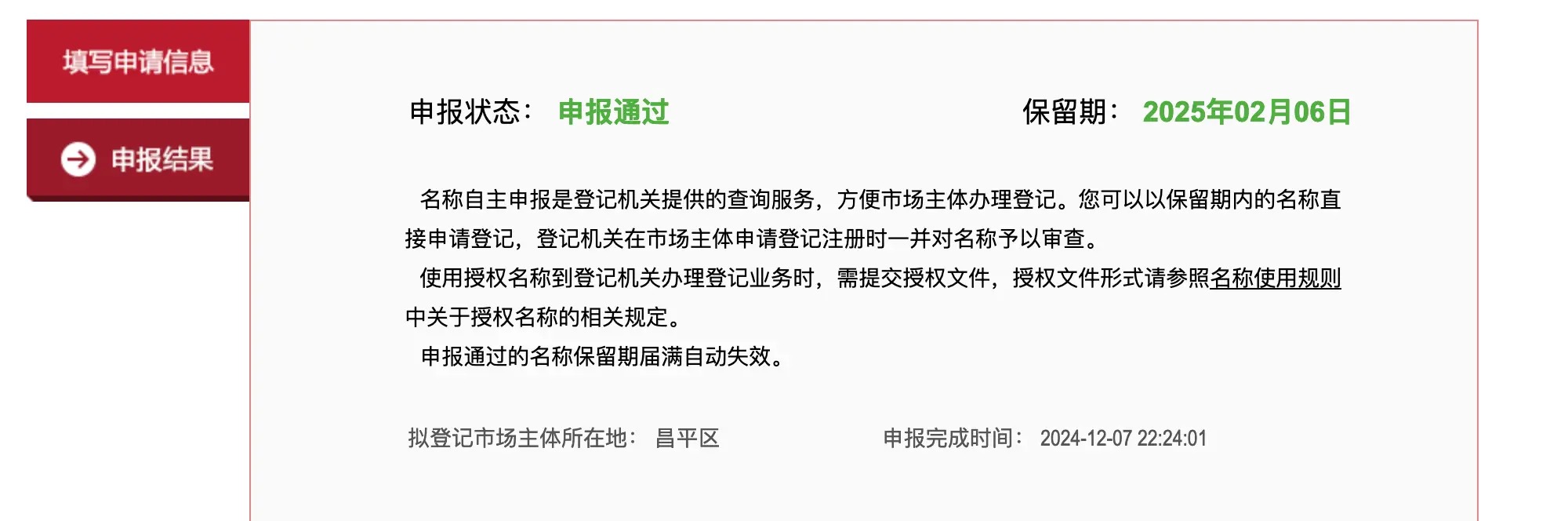
Set up the sole proprietorship
Once the name is approved, start the sole proprietorship application.
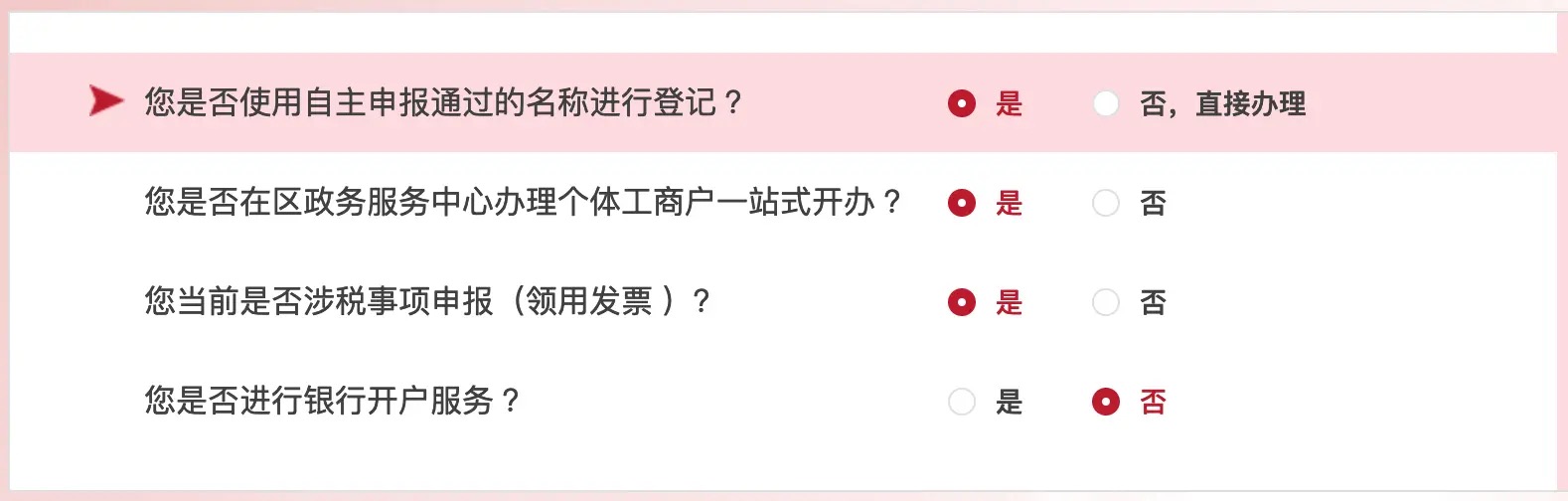
The system asks several routing questions:
- Are you using a name that passed independent declaration for registration? Choose yes if you applied for the name manually beforehand.
- Are you handling the sole proprietorship one-stop setup at the district government service center? Choose yes. That bundles the business license, seal engraving, tax matters, employee social insurance and housing fund filing, and bank account opening.
- Are you currently filing tax matters and applying for invoices? Yes.
- Do you need bank account opening? No. A public account costs a few hundred yuan a year; skipping it does not affect social insurance payments, but it means payments cannot be deducted automatically.
Click apply for business license.
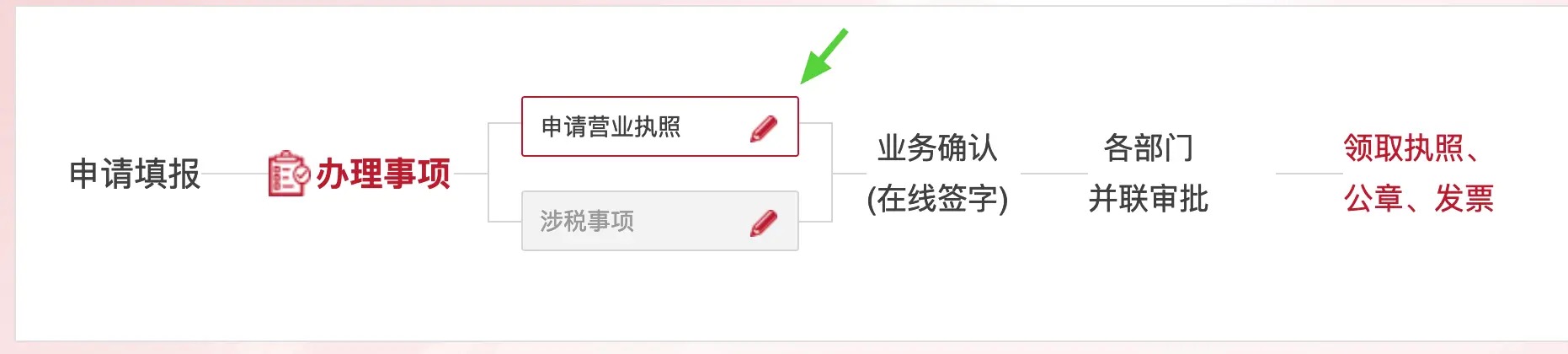
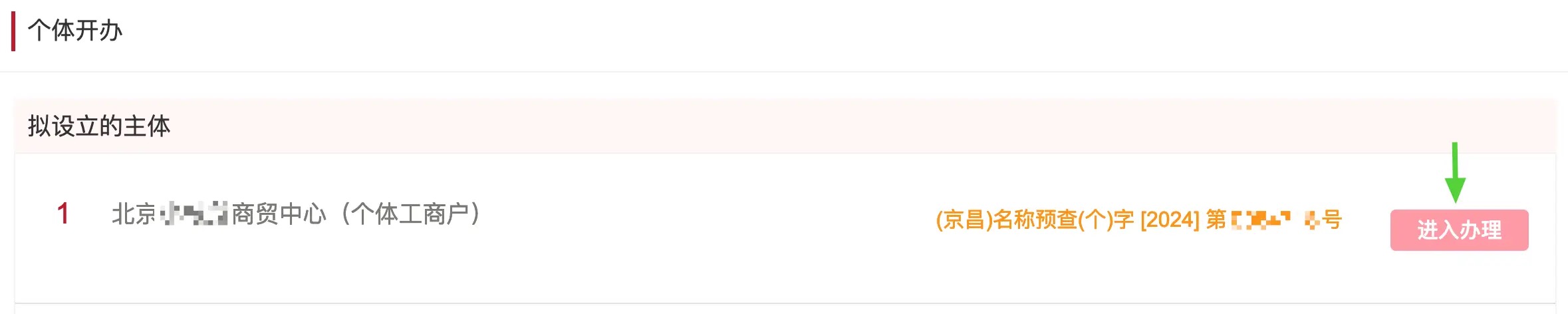
Click to enter the handling flow.
Operator information
Because real-name verification was already done, one record was filled in automatically. I edited it to complete the details.
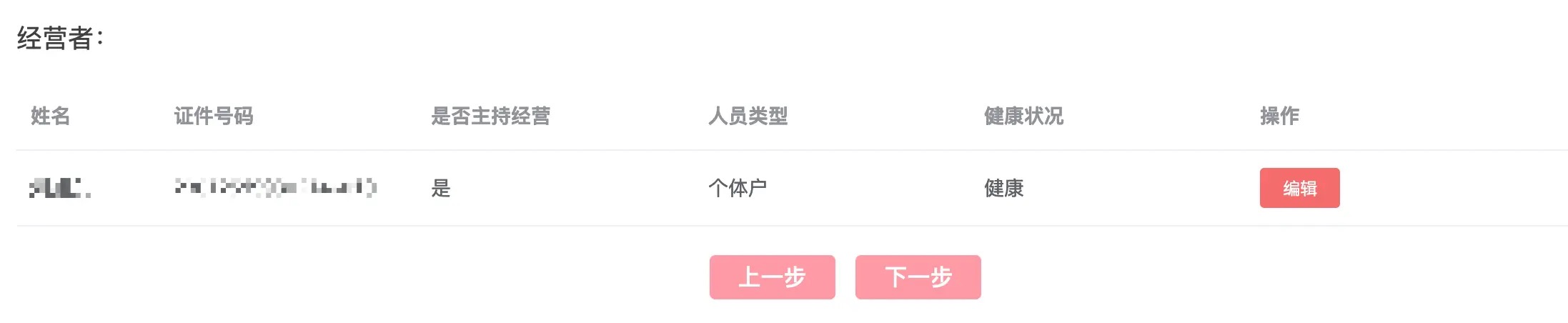
For occupation status, you can enter 个体; I entered 在职 according to my actual situation. For personnel type, choose 个体户, then continue.
Basic information
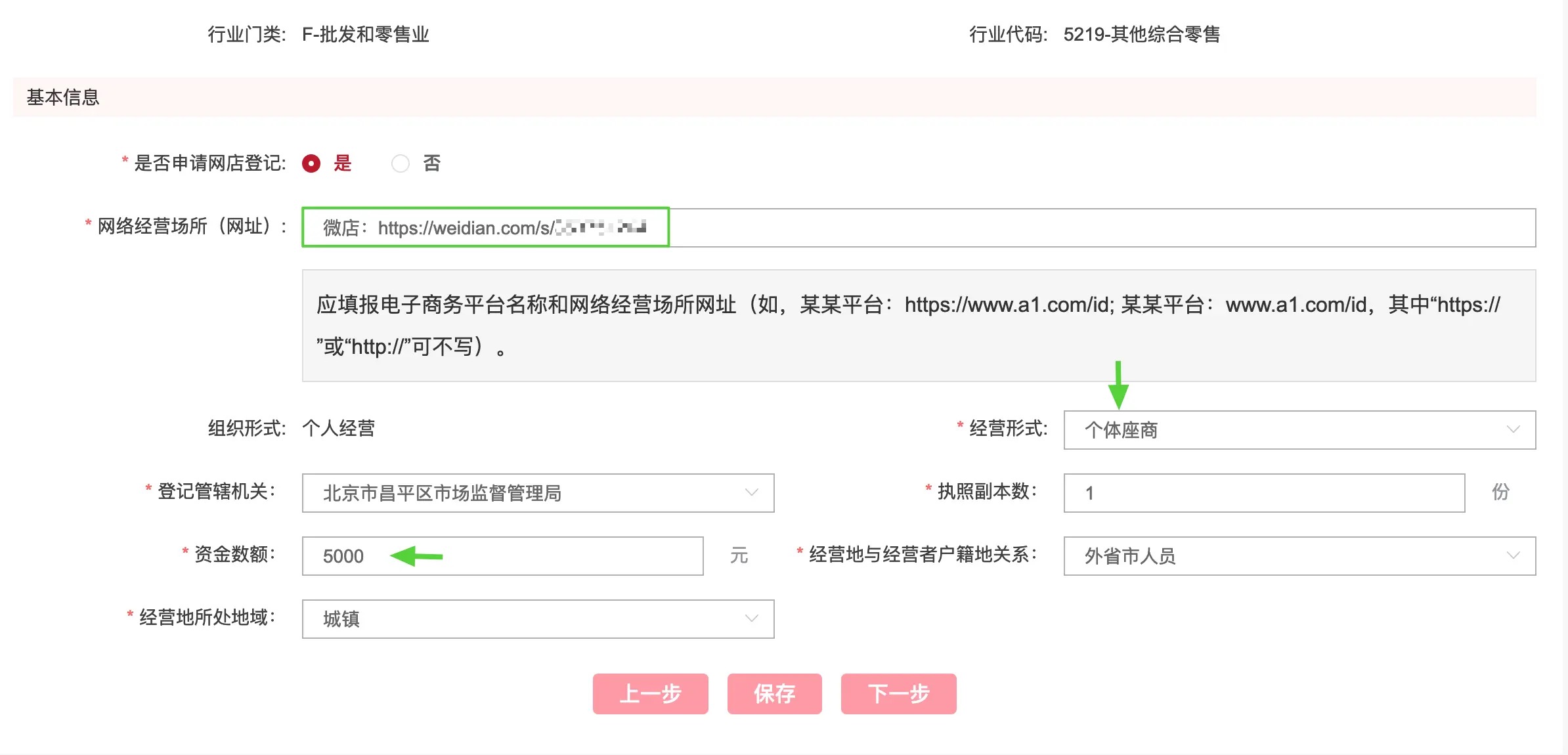
- For online store registration, choose yes.
- For the address, enter the address of the registered Weidian or Taobao store. It must follow the format
微店:xxx; otherwise the review will not pass. - Business form: choose 个体座商.
- The capital amount does not need to be paid in, but enter a reasonable figure. If policy changes later require contribution, an unrealistically low amount may leave you short.
- For the location of the business site, choose 城镇.
Business scope
Click the standard expression query button for business scope.
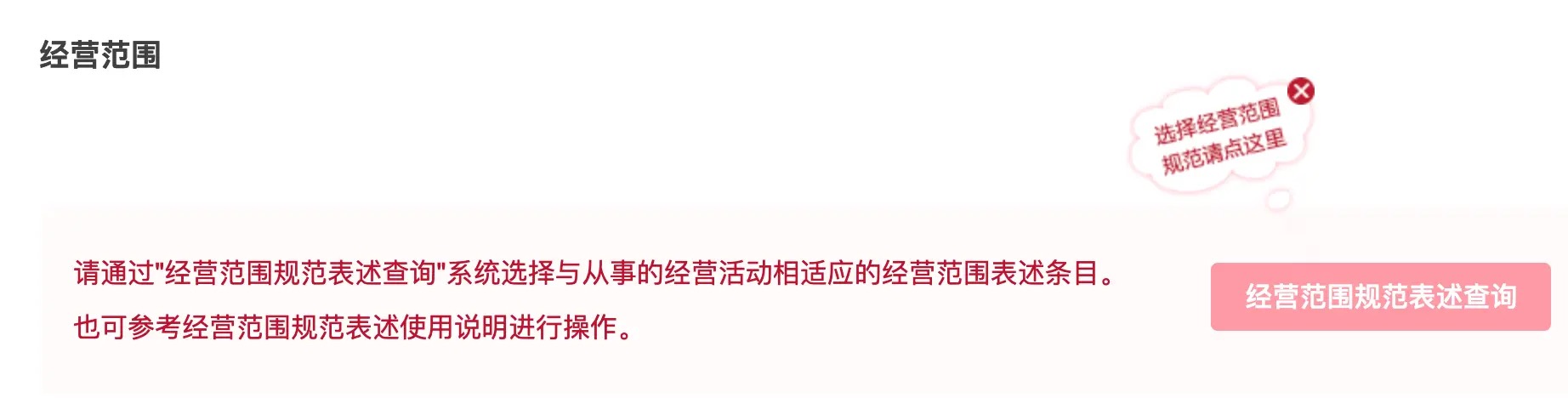
Selecting by theme is easier.
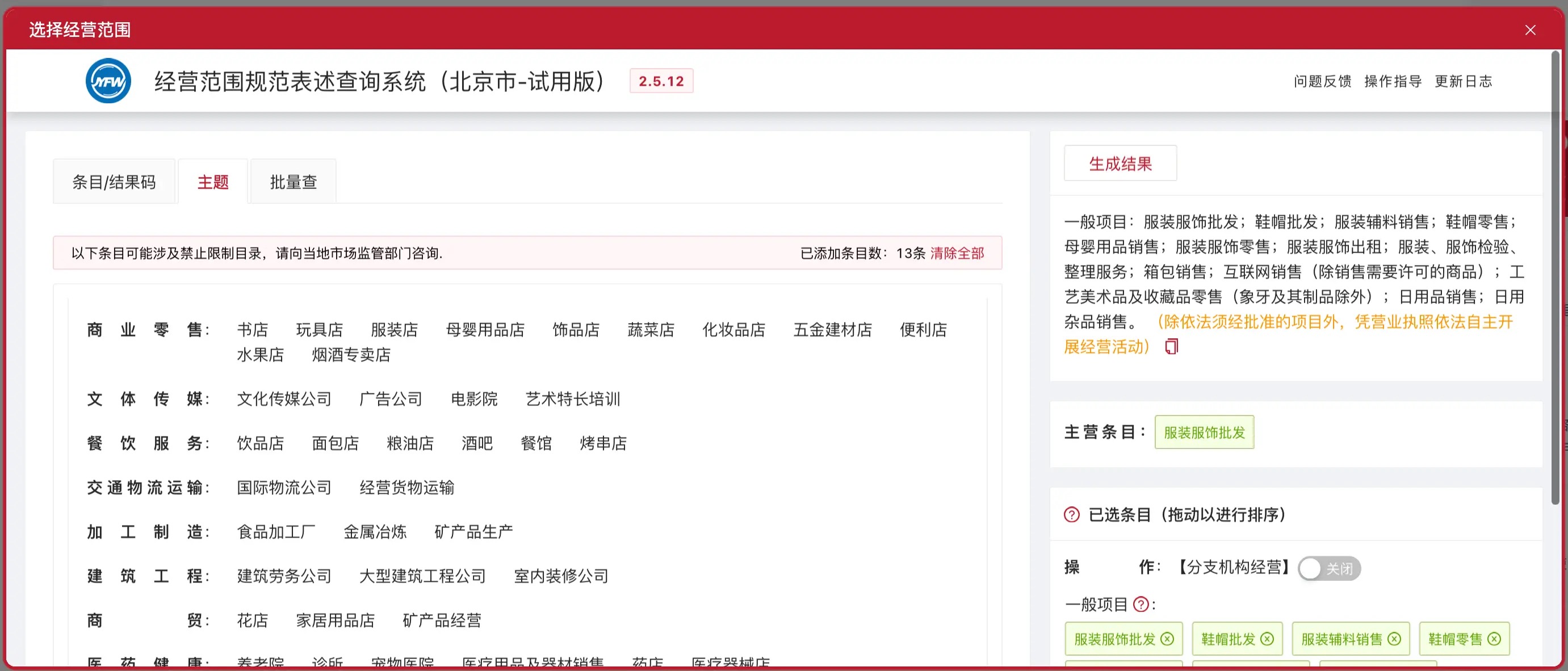
If you plan to sell goods online, choose the categories you expect to sell, such as clothing store or toy store, and stick to general items. Tobacco and alcohol require pre-approval, and a bookstore requires post-approval; avoid those extra procedures. If you do not care much about the goods or will not list products in the short term, just choose one main category under clothing store. In normal cases, do not choose several main categories across different themes; that can lead to rejection. Click generate result in the upper right.

Close the pop-up to see the business scope, then continue.
Basic information: supplementary details
Five insurances and one fund information under the multi-certificate integration:
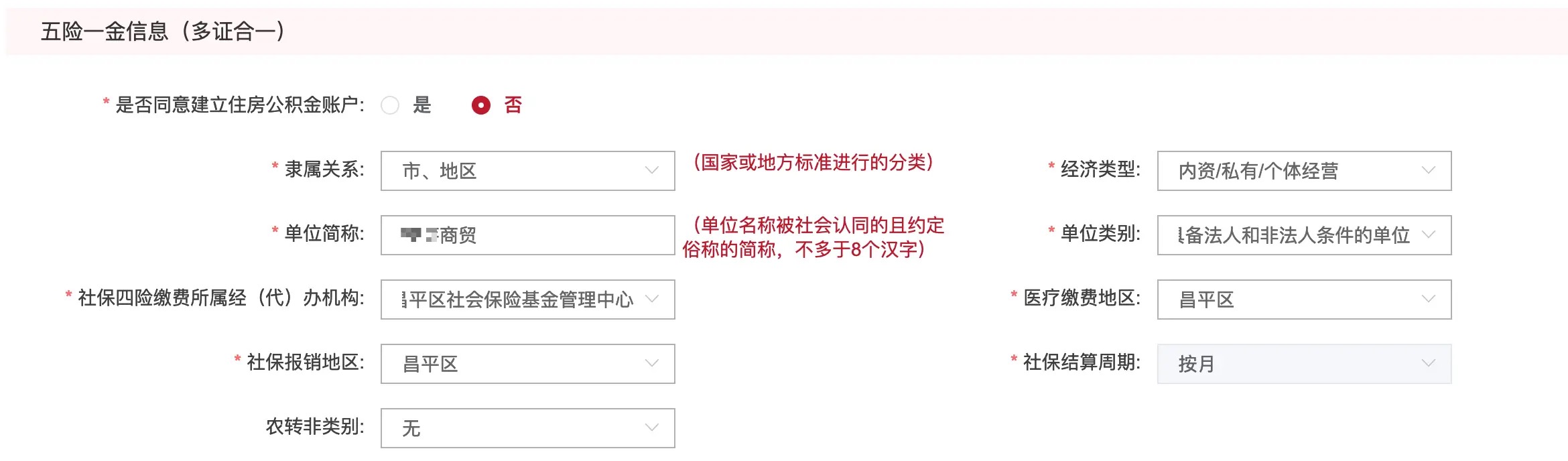
Choose the agency and unit for the district shown on your residence permit. I am in Changping District, so I selected Changping for social insurance and related items.
Adding a new employee is optional. I did not add one here; it can be handled later as an employee addition. Skip it for now.

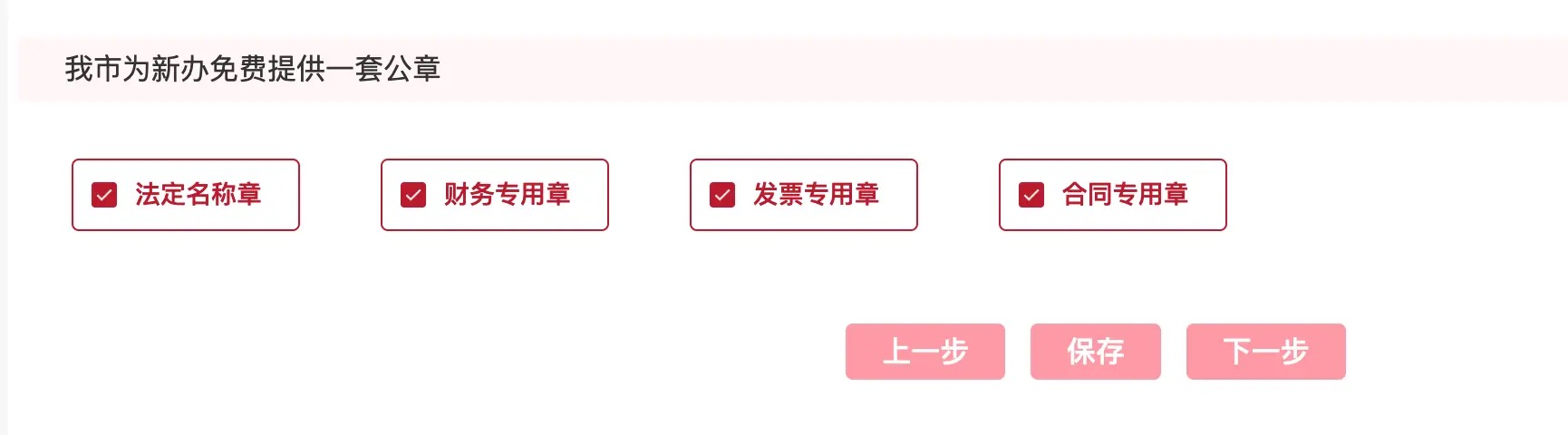
Select all four free seals.
Tax matters
Enter a phone number and postal code. The postal code can be looked up at https://www.youbianku.com/. Fill in the business item detail survey with rough estimates; it is not especially important. Leave the enterprise package information collection form blank and continue.
At this point the form is complete. Return to the home page, make the final confirmation, and submit. If you see 认证失败 despite having completed real-name verification, it is often because you submitted on a holiday. Try again on a working day.
After submission, the status becomes pending online signature. The application has not yet reached the business department; signature confirmation is still required.
Sign online
Open the details and switch to the online signature information tab. Click online signature and choose mini program scan for business confirmation. Generate the document and confirm it. If everything looks right, continue. The seal filing information does not concern us, so continue again. Read the commitment letter, choose understood, then agree and continue.
Do not follow the page prompts literally on that screen. Confirmation must be done in the 北京企业服务e窗通 mini program, and not by scanning a code. Click business confirmation on the page and complete face verification. If you see 未开启办理企业登记注册,请在个人认证时开启办理, go to personal verification on the home page, check yes for whether you are handling registration business, and verify again. Then return to business confirmation, choose natural person or legal person business confirmation, select the sole proprietorship you are registering, and click business confirmation. Continue through the steps and sign. The page will clear after completion.
Back on the website, the details page should show signature complete ✅. The handling status changes to under review. You may receive an SMS notification; check back proactively as well.
In my case the business license was approved in less than an hour, which was surprisingly fast. At that point you can click receive license, but I checked the details status first. Tax matters were still in progress.
Receive the license
The official seal was still being engraved, so I waited. Do not click print license collection slip; if you print it, you will need to collect the license in person from the administration office. The wait can range from a few hours to a day. When I refreshed at 6 p.m. that day, the status had changed to collectible.
I chose EMS delivery, entered the address for receiving the seal, and submitted the request. The order number may not be the courier tracking number. Two days later the package had arrived, but the page still showed not yet dispatched, likely because system data sync was delayed.
At that point the sole proprietorship setup was complete, and the first step was done ✅.