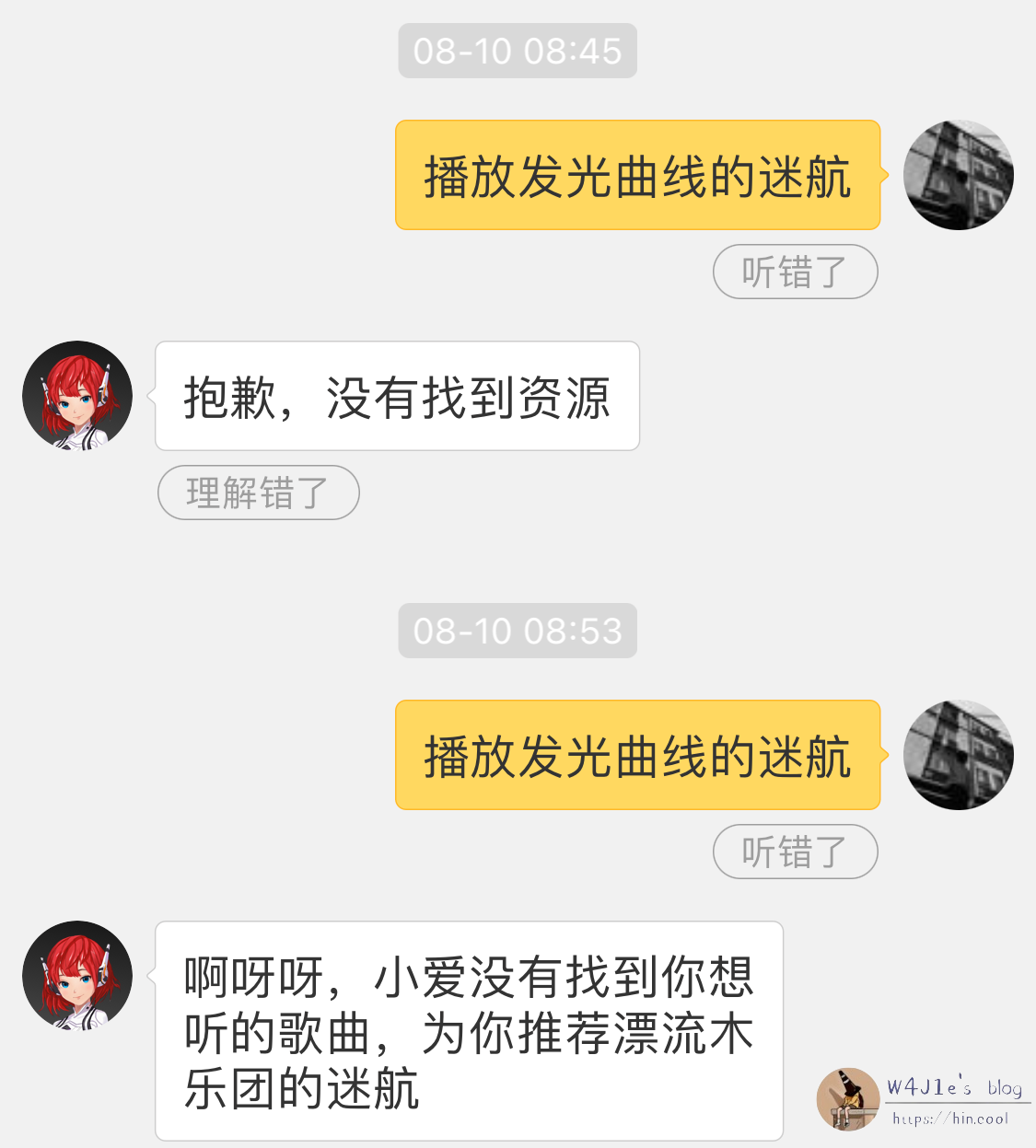
I have two smart speakers at home: a Xiaodu and a Xiao Ai. The Xiaodu will sometimes refuse to play a song unless I buy a Xiaodu membership. That is why I picked up the Xiao Ai. With a QQ Music Green Diamond account linked, it can play most songs directly. But it still struggles with some obscure tracks and English songs. So I went looking for another route and found AirConnect.
AirConnect is an open-source project on GitHub. Thanks to work by various developers, there is now a branch/package for Synology. It lets you send AirPlay streams to devices that do not support AirPlay, such as UPnP, Sonos, and Chromecast devices. In practice, if you install AirConnect on any device on your LAN that can run it, it can make other non-AirPlay devices on that LAN appear as AirPlay targets.
Why bother? The three commonly cited wireless streaming technologies are AirPlay, DLNA, and Miracast (though that list may not be strictly accurate). Android devices usually lean on DLNA and Miracast, while iOS devices use AirPlay. Someone once asked why smart speakers generally do not support AirPlay or DLNA. The answer given was that the market scale is not large enough, Apple will not grant MFi certification, and content providers like Tmall do not want to cut off their own paid-content business. DLNA and AirPlay also involve licensing costs.
AirConnect is useful if:
- You do not like connecting to a speaker over Bluetooth because latency and loss make you uncomfortable—even though Bluetooth 5.0 is already quite usable.
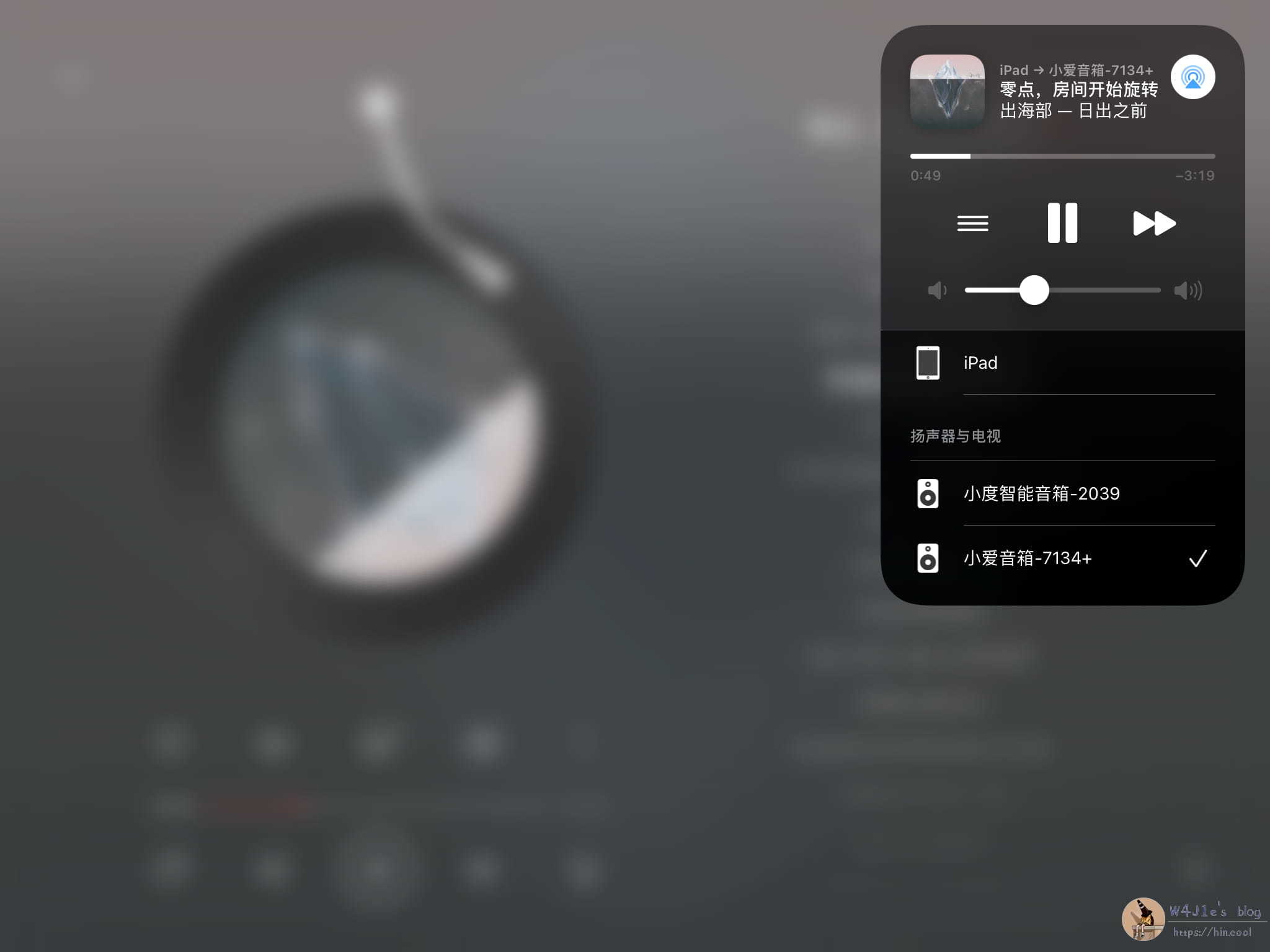
- You cannot simply ask your speaker to play a particular song you like, and instead have to find it in a music app and cast it—for example, the track in the screenshot above, or Wang Wen's 'Tunnel'.
- The music app that supports direct casting does not have the song you want. QQ Music has QPlay, but its selection of niche music is not as broad as NetEase Cloud Music's.
- You are using an iOS device. NetEase Cloud Music on iOS has no way to AirPlay directly over Wi-Fi to a smart speaker.
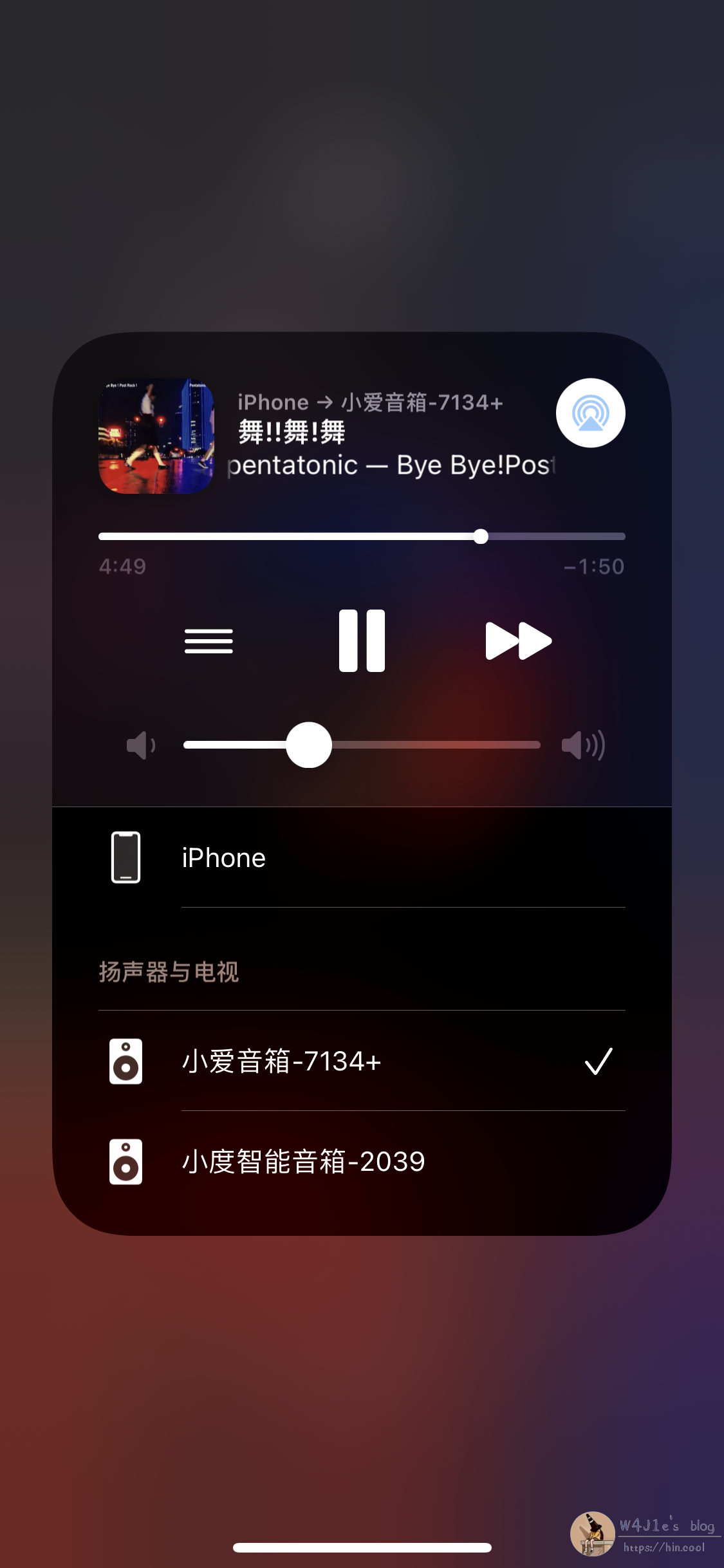
A scenario: I used to listen to music in the shower by telling the speaker which song to play, or by casting from QQ Music with QPlay. One day I wanted to listen to a post-rock playlist from NetEase Cloud Music. Over Bluetooth, the resolution was not something I wanted to live with—if you also listen to post-rock, you probably know how much a good pair of headphones or a good speaker matters. Since AirConnect was installed on my Synology, I made a small edit to the playlist, pressed play, and selected the smart speaker as the AirPlay target.
Installation
These notes are for Synology. The package works with DSM 6.x and DSM 7. Download the package that matches your Synology's processor and DSM version.
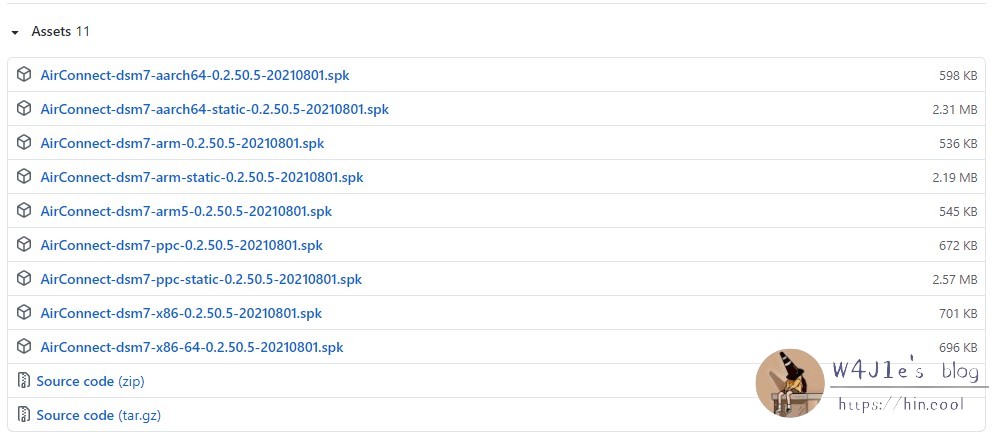
If you have a Mao Pan Synology running DSM 7.0, you only need the first or second package. Open Package Center, choose Manual Install in the upper-right corner, select the downloaded package, and keep the defaults as you click through.
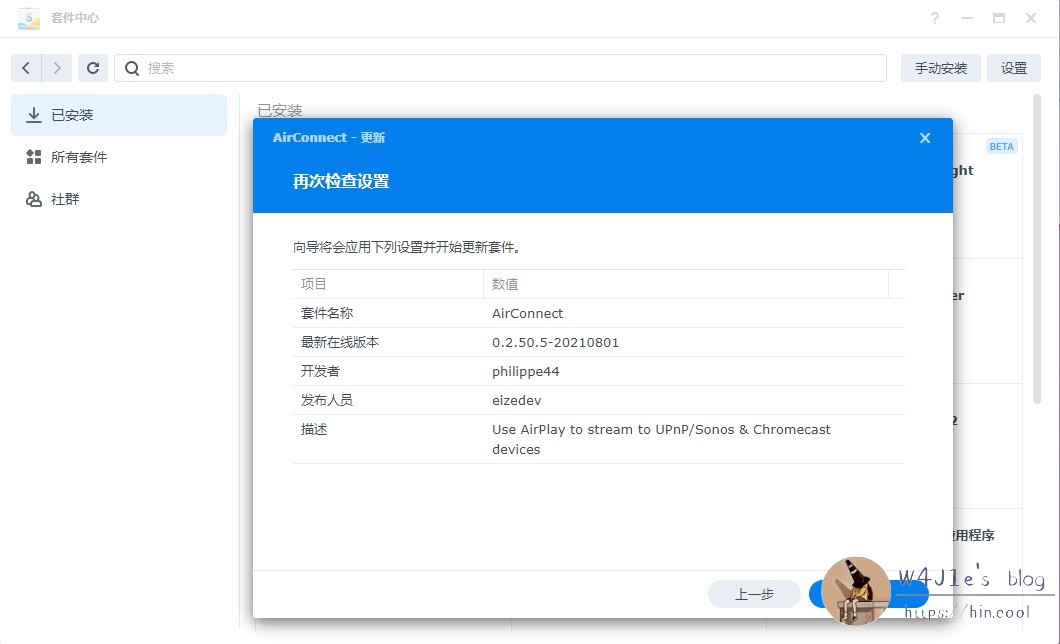
A few things that come up
-
After installation, my speaker does not appear in AirPlay. What now? Sometimes the speaker needs a restart.
-
Why is play/pause more delayed than with QPlay? This is a third-party plug-in. With QPlay, the path is phone → router → speaker. With AirConnect, there is an extra step through the Synology.
-
Can I change more settings? On DSM 7, you can edit some settings in
/volume1/airconnect/airconnect.conf, such as RTP and HTTP latency.
Afterword
This package really did solve a shower-listening problem that had bothered me for years. In practice, though, the help it gives me and the experience are limited. Chongqing is hot, and I do not dare leave my 'black Synology' build running all day; after a while the hard drive is hot to the touch. Still, it is good to know that such an option exists—when you need it, it can be very convenient. Thanks to the open-source world and to all the developers who made it possible.