When my computer starts running multiple processes at once, it sometimes becomes noticeably choppy. Naturally, I open Task Manager to see what is eating up resources and get ready to end the culprit. But almost every time, the moment Task Manager appears, the CPU usage drops from something like 81% straight down to around 20%, and the lag disappears with it.
At first I never looked into it too deeply. I was usually in the middle of doing several things, and once the stuttering stopped, I just moved on. After it happened enough times, I got used to it: if the system lagged, I opened Task Manager, and that alone often fixed it. Eventually I even left Task Manager open in the background. That was the whole little tip.
Today it happened again. The computer started lagging, I opened Task Manager, and everything immediately became smooth. This time I had a bit of free time, so I tried to figure out what was actually going on.
My first instinct was that the machine might be infected or perhaps doing some kind of crypto mining in the background. I ran various security and bundled-antivirus scans, but none of them found anything. Then I searched around on Baidu and Bing, and the only discussion I found that really matched what I was seeing was a Zhihu question asking why a computer can feel mysteriously slow, yet the instant Task Manager is opened, the problem disappears.

The replies under that question all described the same kind of experience, but the explanations were all over the place, and none of them felt completely convincing.

One answer matched my own suspicion pretty closely. It felt as if some process was quietly doing work and consuming resources in the background, but the moment Task Manager—the "supervisor"—was opened, that process could somehow "sense" that the administrator, meaning you, was suddenly inspecting all running processes. Whether or not you actually had the skill to identify it or remove it, it would immediately go idle or shut itself down, and then once the supervisor was closed, it would start up again and resume taking CPU and other resources.
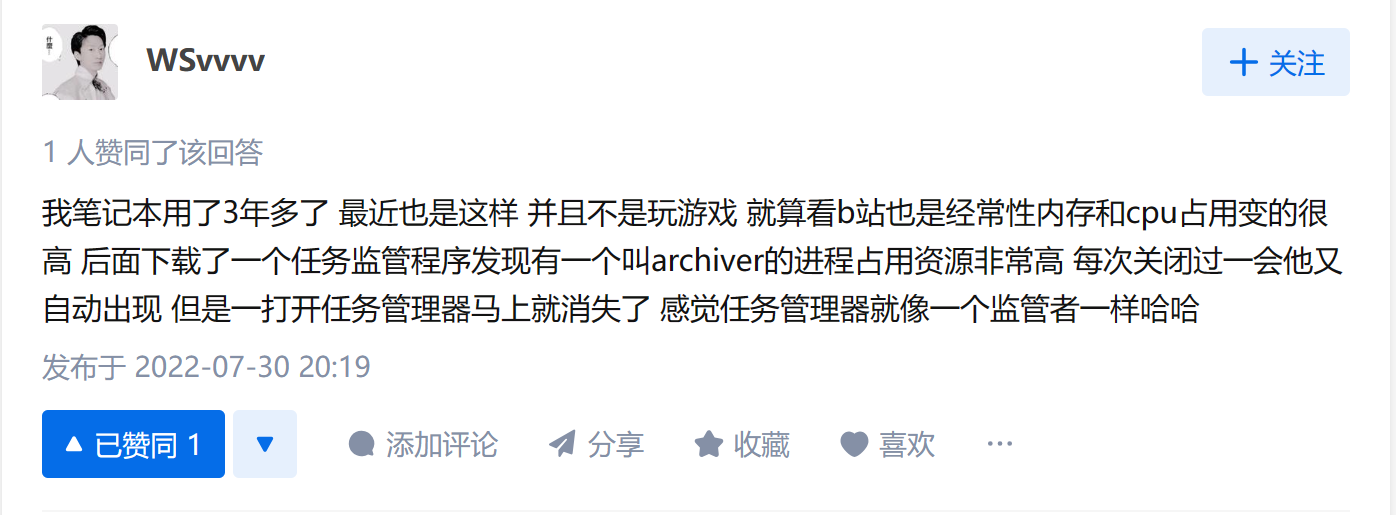
That idea sounds plausible, but what is actually happening inside the computer after Task Manager opens is still hard to say with certainty.

What surprised me most is how few people seem to talk about this little trick. Even among similar questions, many had no answers at all. So whether the reason is fully understood or not, the practical side is simple enough: if your computer suddenly becomes sluggish, opening Task Manager may immediately lower CPU usage and make the system responsive again.
In the end, not everyone needs to know the exact inner workings. Most people do not understand in detail how a phone or computer chip works, or how it drives an image onto a screen. That is the domain of specialists. For everyday use, sometimes it is enough to know a small trick that makes technology more convenient.