A Java application usually reaches Kubernetes through a chain of artifacts: source code becomes a build output, the build output becomes a container image, and the image is described by Kubernetes objects that run and expose it. The migration path is less about one command and more about keeping those steps reproducible.
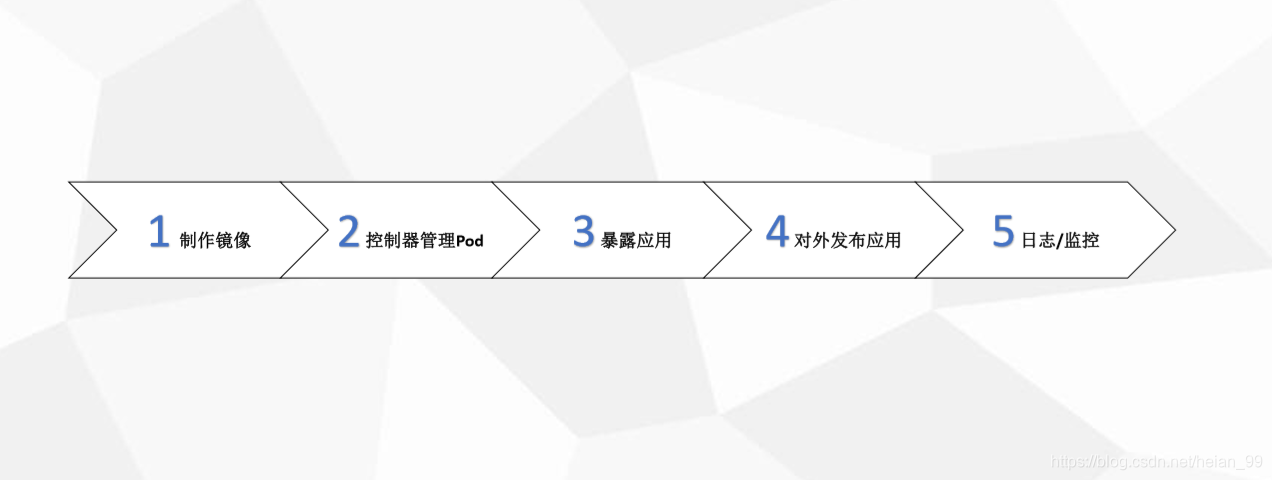
Kubernetes objects that matter in this path
A Pod is the smallest deployable unit. It can hold one container or a group of containers, and containers in the same Pod share a network namespace. Pods are ephemeral, so they should not be treated as durable hosts.
Controllers sit above Pods and manage them. Deployment handles stateless application rollout; StatefulSet is for stateful workloads; DaemonSet ensures the same Pod runs on every Node; Job runs a one-off task; CronJob runs tasks on a schedule.
A Service gives a stable access point to a set of Pods and defines access policy, preventing callers from losing track of Pods as they are replaced. Labels are attached to resources for association, querying, and filtering. Namespaces provide logical isolation between objects.
Build the project image
Prepare the WAR and database
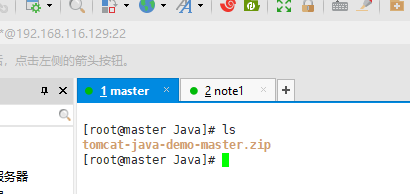
Unpack the demo archive:
yum install -y unzip && unzip tomcat-java-demo-master.zip
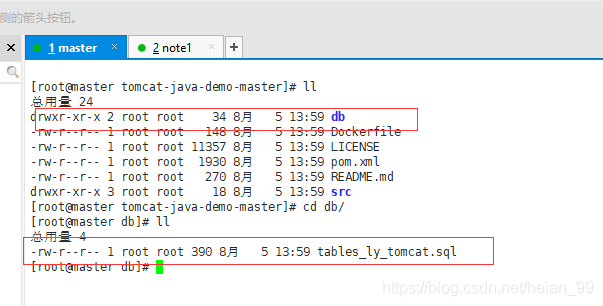
Import the SQL file into MySQL.
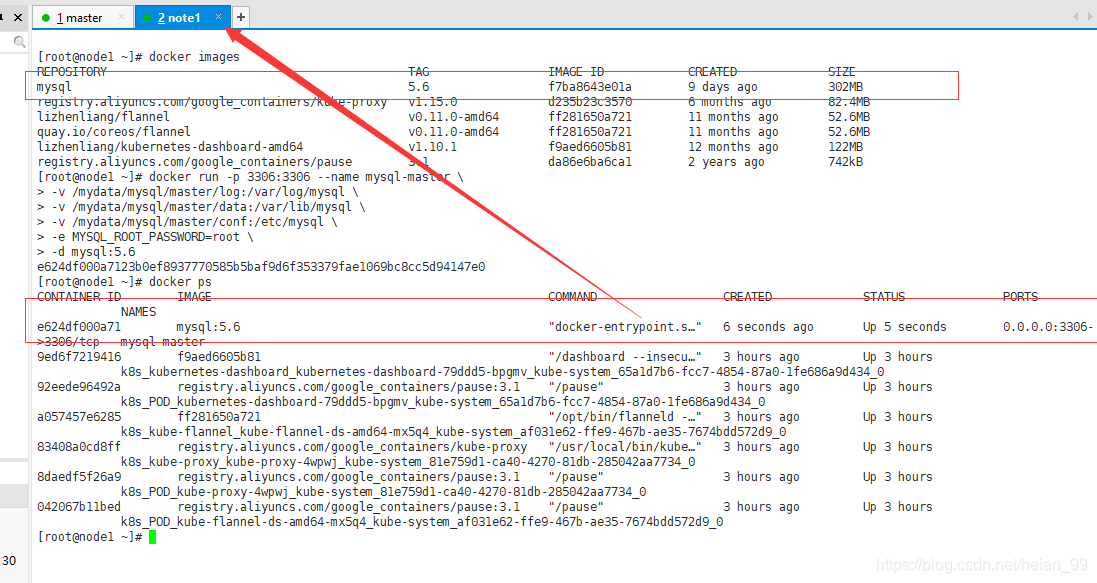
On Node1, pull the mysql:5.6 image and start a container:
docker run -p 3306:3306 --name mysql-master \
-v /mydata/mysql/master/log:/var/log/mysql \
-v /mydata/mysql/master/data:/var/lib/mysql \
-v /mydata/mysql/master/conf:/etc/mysql \
-e MYSQL_ROOT_PASSWORD=root \
-d mysql:5.6
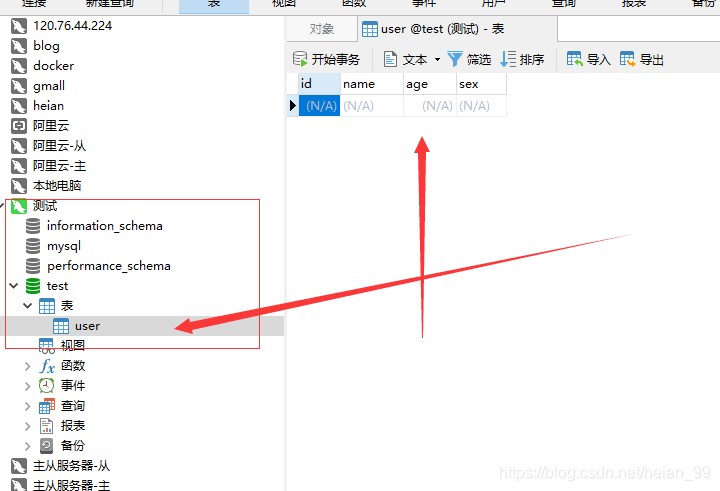
Then import the SQL data. A database tool is the convenient route.
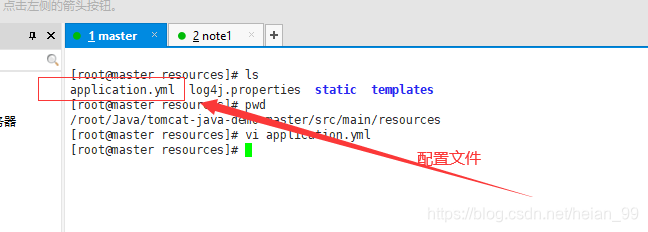
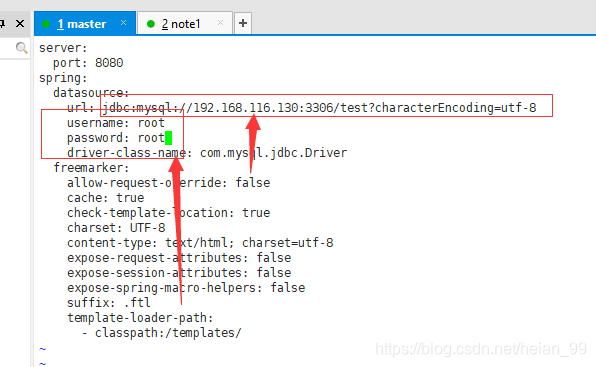
Adjust the configuration files in the code so the application points at the database.
Compile the Java application
Install JDK and Maven:
yum install -y java-1.8.0-openjdk maven
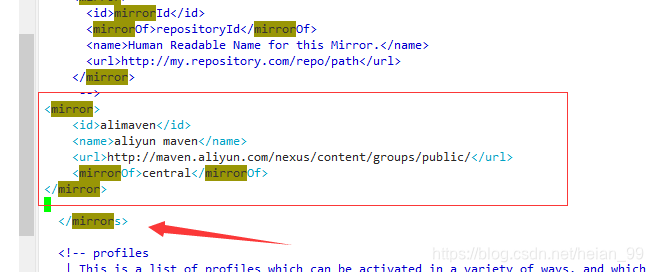
Change the Maven mirror:
vim /etc/maven/settings.xml
<mirror>
<id>alimaven</id>
<name>aliyun maven</name>
<url>http://maven.aliyun.com/nexus/content/groups/public/</url>
<mirrorOf>central</mirrorOf>
</mirror>
Compile the source; this can take a while:
mvn clean package -D maven.test.skip=true
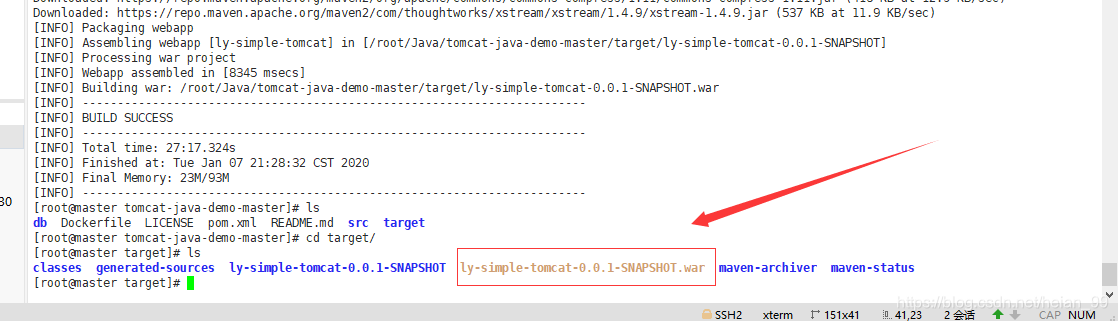
Create the Docker image
Use a Dockerfile to build the image:
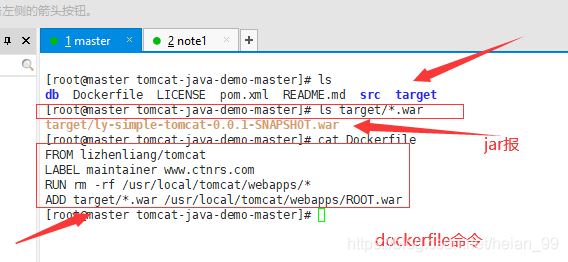
FROM lizhenliang/tomcat
LABEL maintainer www.ctnrs.com
RUN rm -rf /usr/local/tomcat/webapps/*
ADD target/*.war /usr/local/tomcat/webapps/ROOT.war
Build it:
docker build -t lizhenliang/java-demo -f Dockerfile .
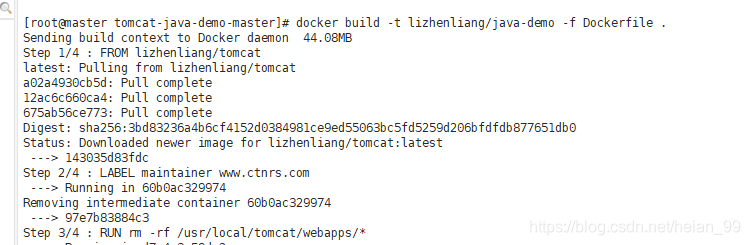
The build completed successfully.
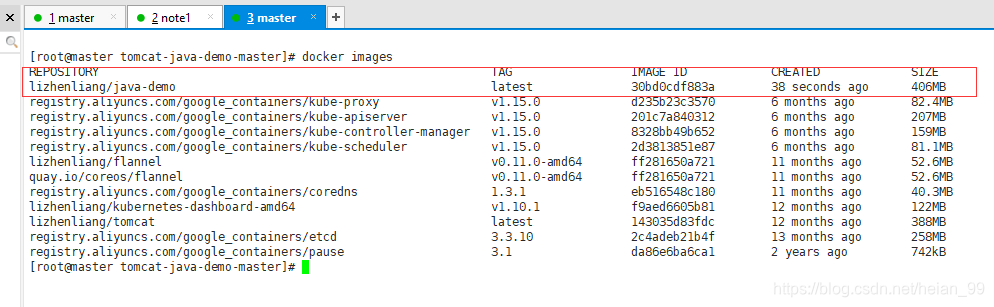
Deploy the image to Kubernetes
Generate a starting YAML template and then edit it:
kubectl create deployment java-demo --image=lizhenliang/java-demo --dry-run -o yaml
# content
apiVersion: apps/v1
kind: Deployment
metadata:
  creationTimestamp: null
  labels:
    app: java-demo
  name: java-demo
spec:
  replicas: 1
  selector:
    matchLabels:
      app: java-demo
  strategy: {}
  template:
    metadata:
      creationTimestamp: null
      labels:
        app: java-demo
    spec:
      containers:
      - image: lizhenliang/java-demo
        name: java-demo
        resources: {}
status: {}
Write it to a local file:
kubectl create deployment java-demo --image=lizhenliang/java-demo --dry-run -o yaml > deploy.yaml
After editing the replica count, the file can look like this:
[root@master ~]# cat deploy.yaml
apiVersion: apps/v1
kind: Deployment
metadata:
  labels:
    app: java-demo
  name: java-demo
spec:
  replicas: 2
  selector:
    matchLabels:
      app: java-demo
  template:
    metadata:
      creationTimestamp: null
      labels:
        app: java-demo
    spec:
      containers:
      - image: lizhenliang/java-demo
        name: java-demo
Apply it:
kubectl apply -f deploy.yaml

Check the Pods:
kubectl get pods

At this point the Java image is running on the Kubernetes platform.