Most password advice stops at “make it strong,” but strength is only one part of the problem. A password needs to be long enough to resist guessing, different for every account, and free of details that someone could discover or infer.
The baseline is straightforward: use at least 12 characters, and aim for 16 or more when you can. Include uppercase and lowercase letters, numbers, and special characters. Give every account a unique password. Do not build passwords from birthdays, addresses, or other personal information, since identity theft and data breaches can expose exactly those details. Avoid runs of letters or numbers too — ABCD, 1234, 666888, and similar patterns are easy to predict.
Unique passwords matter because reused credentials are what make credential-stuffing attacks worthwhile. Personal details matter because they turn a “memorable” password into a guessable one.
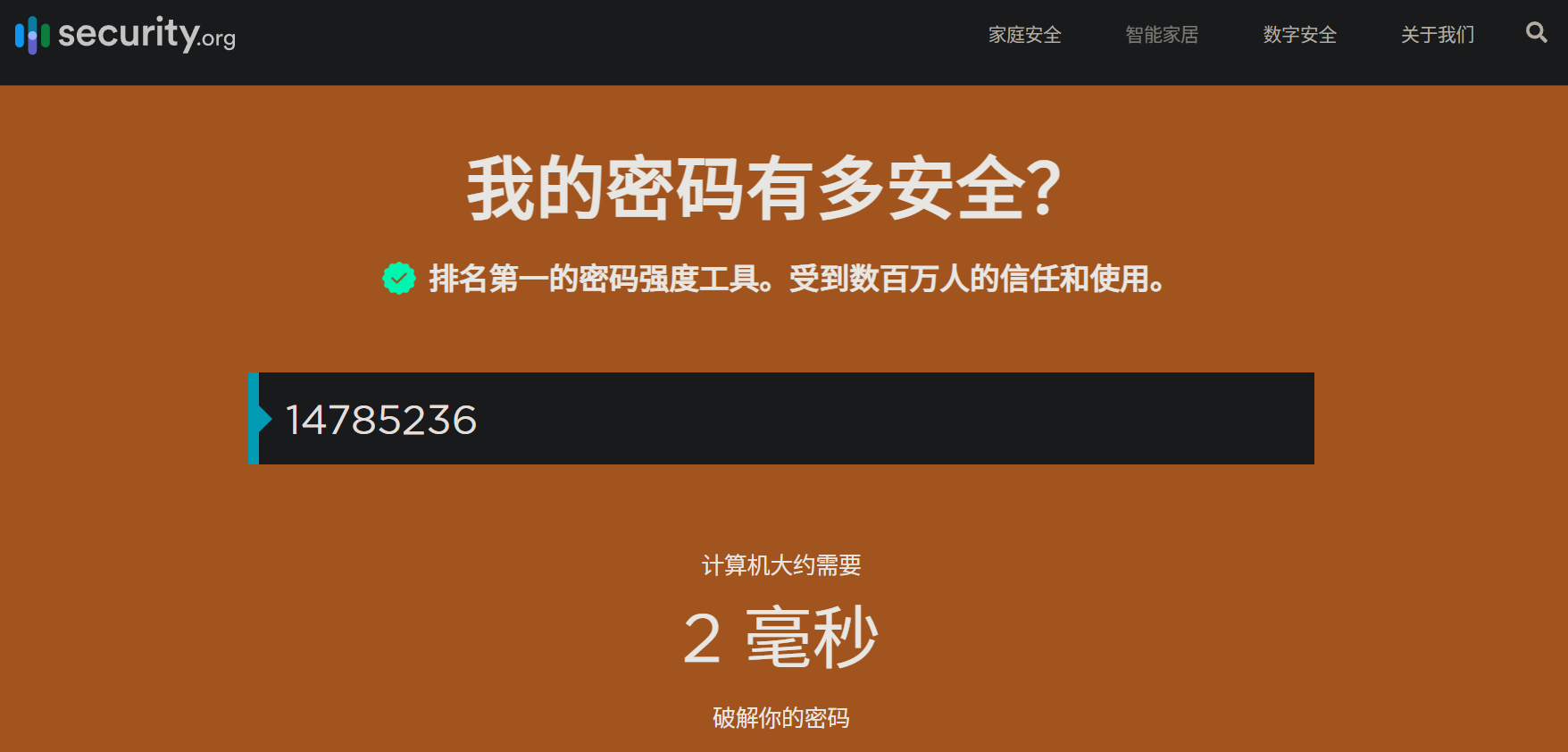
People often choose weak passwords or reuse them because they want to remember them. That trade-off is dangerous. Attackers can try brute force, dictionary attacks, or social engineering. It is tempting to assume an ordinary account has no value, but email, social media, and shopping accounts can expose phone numbers, IP addresses, geolocation, and other details. With enough of that information, an attacker can build a profile, link accounts that share details, and then run brute-force attempts at scale. An eight-digit numeric password like 14785236 can be cracked in about 2 milliseconds.
For important accounts, a password manager is the safer route. It can generate complex passwords, store them, and autofill them when needed. Bitwarden is a solid option: it works across platforms, including browser extensions, is open source and free, and can be self-hosted.
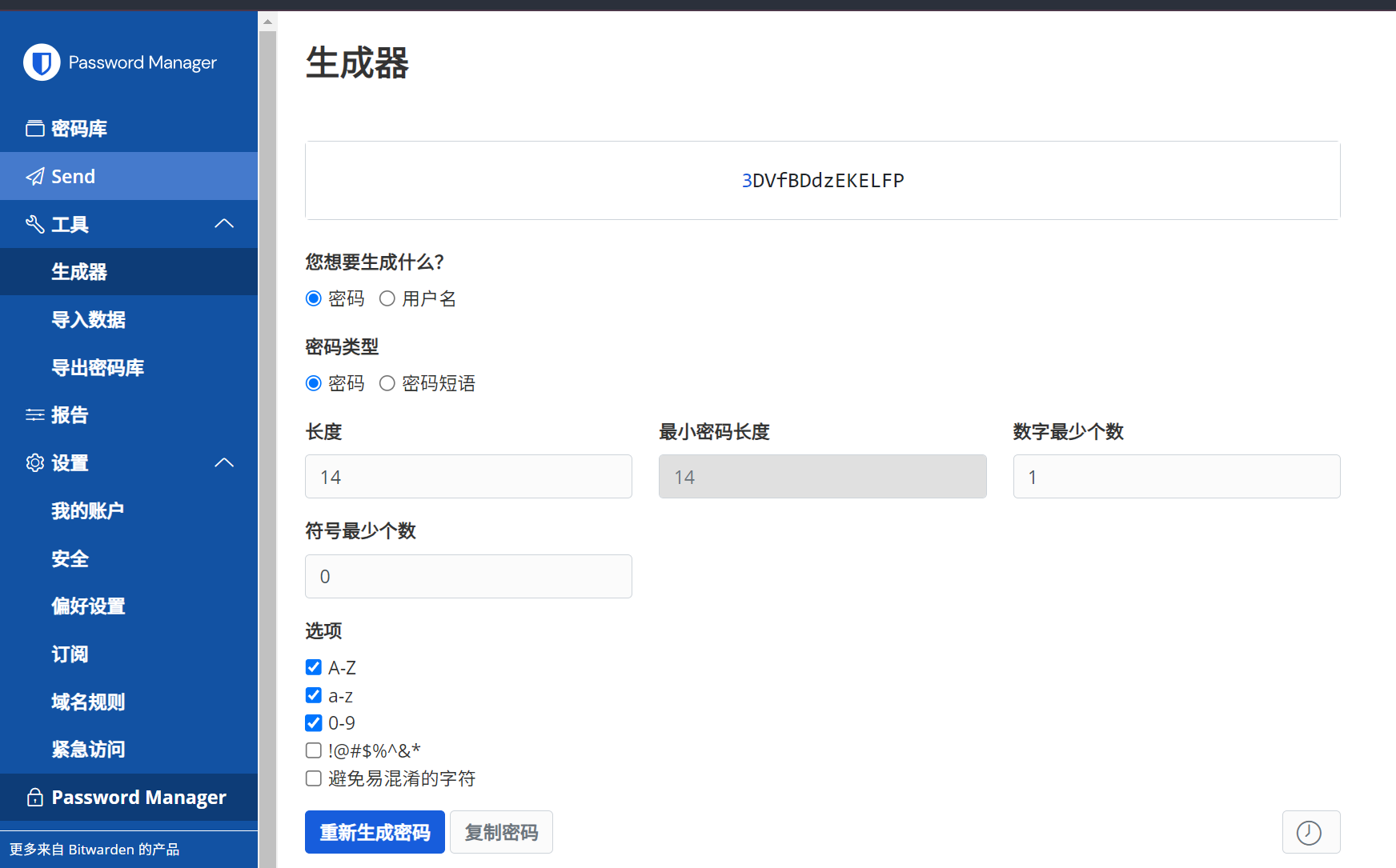
To generate a 16-character random password from the shell:
< /dev/urandom tr -dc 'A-Za-z0-9!@#$%^&*()' | head -c16; echo
You can estimate how long a password might take to crack with Security.org’s tool: https://www.security.org/how-secure-is-my-password/. Check password strength and whether a password has appeared in a leak with Kaspersky’s checker: https://password.kaspersky.com/ch/. Check whether an email address has been involved in a data breach with Have I Been Pwned: https://haveibeenpwned.com/.