The game is built around user-generated content: the car and the track are both meant to be edited, and a track doubles as a level you can hand to someone else to beat. For now it is a demo. The bundled stages are deliberately easy—good for learning the feel—while the real difficulty comes from player-made layouts with obstacles and drop traps. There is no sharing feature in this build; it is mainly a playable proof of concept.
Gameplay demo: watch the clip
Editor walkthrough: watch the editor demo
Car editor
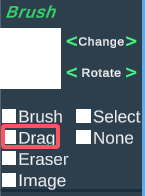
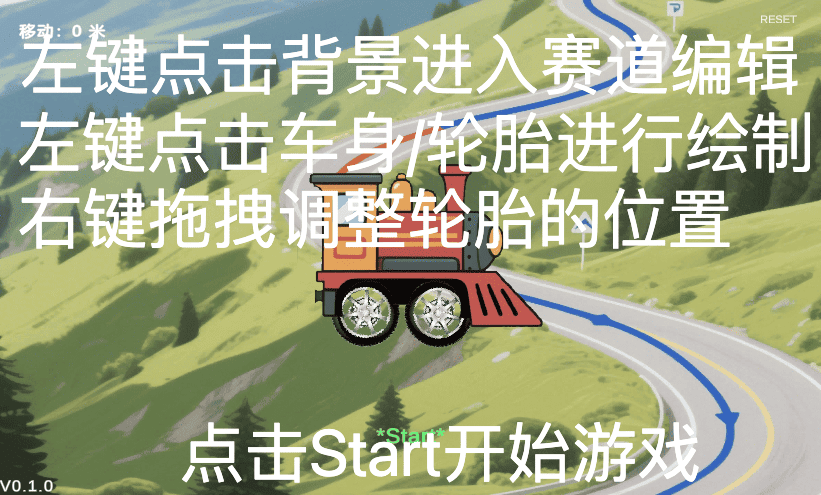
Click the body or a wheel to open the editing view; use the mouse wheel to zoom. The toolbar has a Drag tool: grab the car artwork and move it around. If you drag an image completely off the canvas, it is removed.
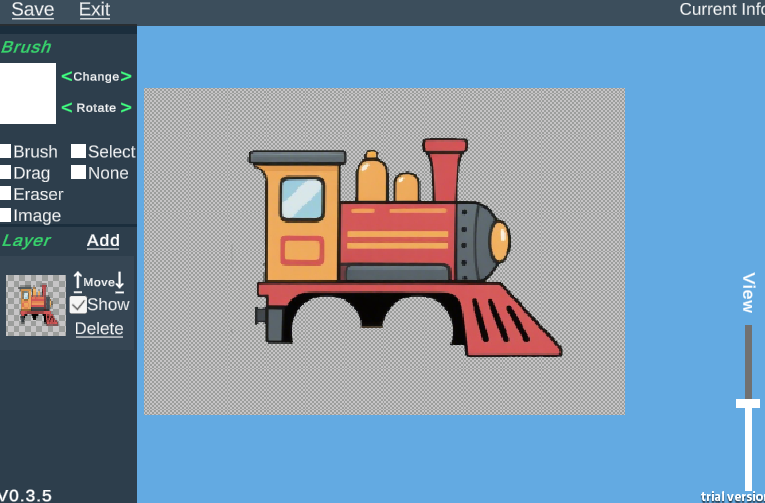
The Image tool imports outside art: select it, click an empty spot, then choose the file. The sample section includes PNGs you can use, but any PNG will work.
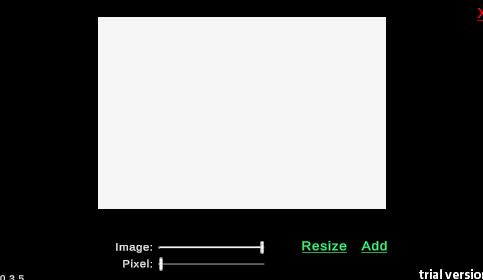
In the Resize panel you can change the imported image's size, and the pixel setting controls how pixelated it looks. When it is set, click Add to place it on the canvas; repeat for additional images.
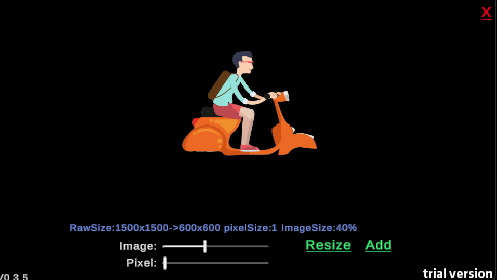
Press Exit when the body or wheels are done to return to the main view, where you can fine-tune wheel placement.
Map editor
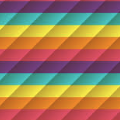
Click any empty area of the main screen to enter the map editor. Use Image to import a terrain brush—the rainbow brush is supplied as an image in the sample assets, or you can load any PNG or JPG.
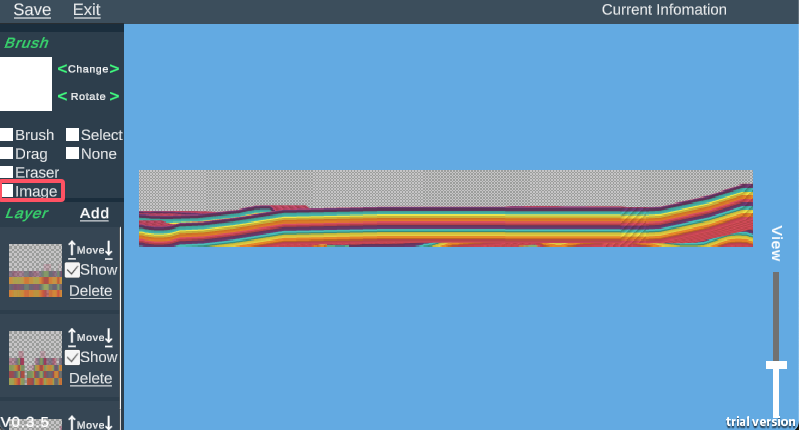
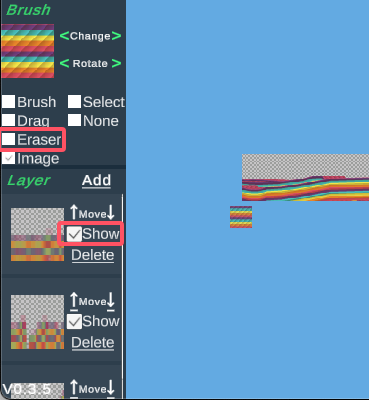
The Layer panel lists three existing terrain layers; uncheck Show on a layer to hide it, and all are visible by default. The Eraser brush turns the cursor into an eraser for removing painted marks. The Brush tool paints terrain, and whichever layer is selected in the Layer panel determines which image gets painted.
Controls and failure
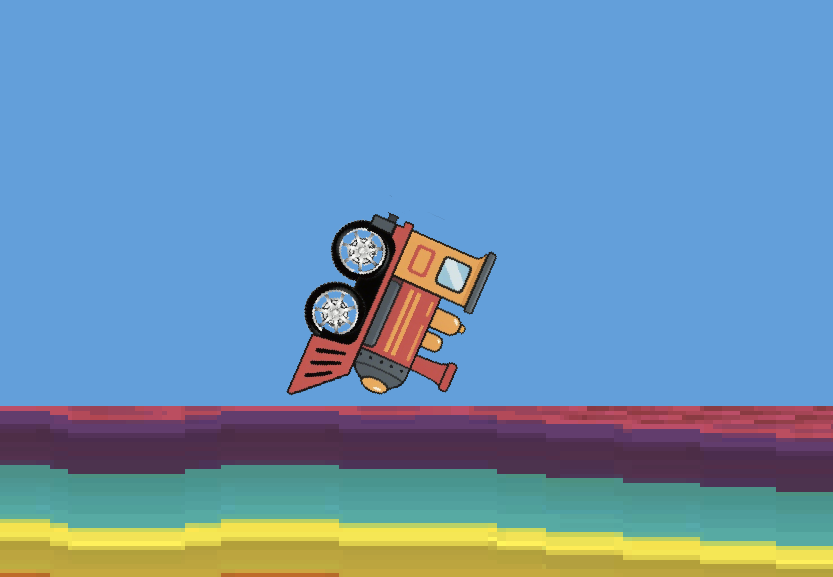
W and S keep the body balanced: W lifts, S presses down.
When a cabin prop appears, press Space to use it and accelerate forward.
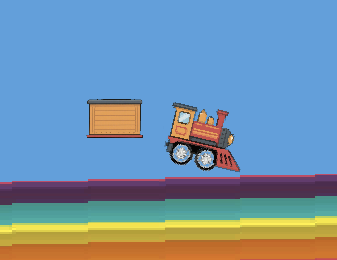
If the car flips over or falls into a trap, the run is failed.
Sample assets and play link
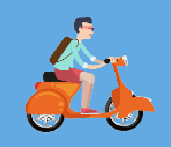
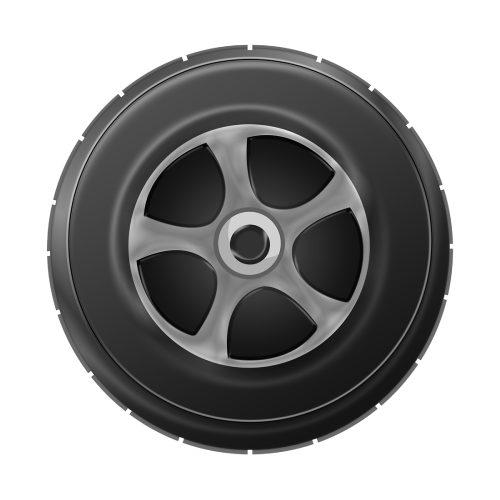
Right-click the sample images and save them with a .png extension. You can use these or any other art you like for your own vehicle.
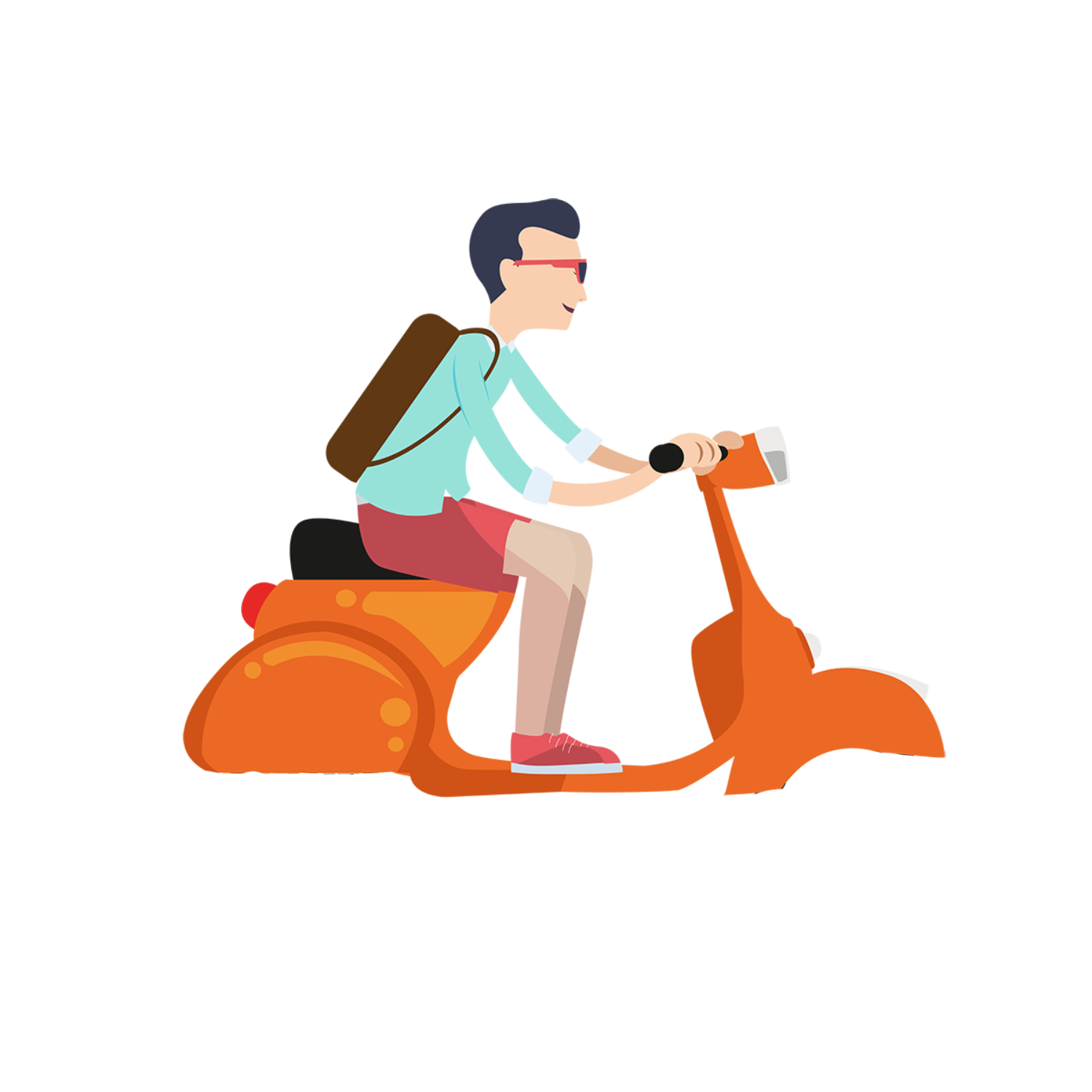
Play at https://px.vrast.cn
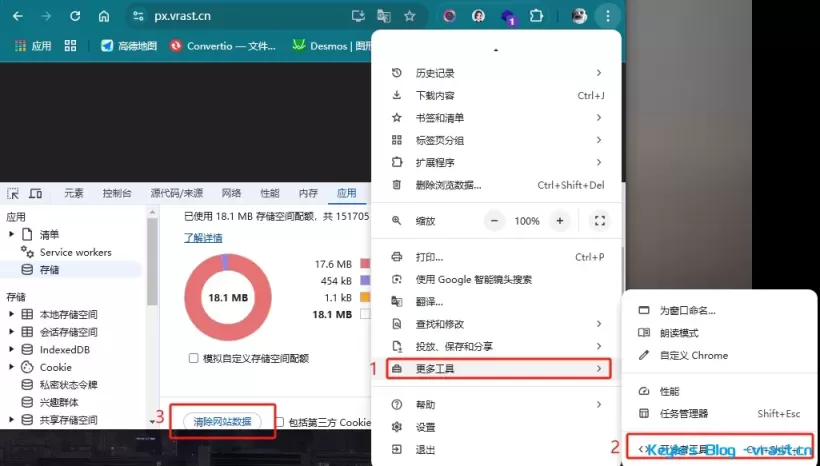
If the game updates and you need to clear local storage, note that this is not the same as clearing normal browser cache—Unity web builds read from local storage directly.