After more than a decade, I finally replaced my 2012 iMac.
A few years ago, I kept it alive by moving the system onto an external SSD, and that workaround lasted surprisingly long. But in the past few months, the machine had clearly reached its limit: in IINA, even skipping through a 1080p video could freeze for three seconds, and 4K playback had basically turned into a slideshow.
So I gave in and bought this:
Mac mini M2 (16+256) + Studio Display
Total: ¥15848 (¥5049 + ¥10799). Budget-wise, this was very much a "pay in installments and deal with it later" kind of purchase.
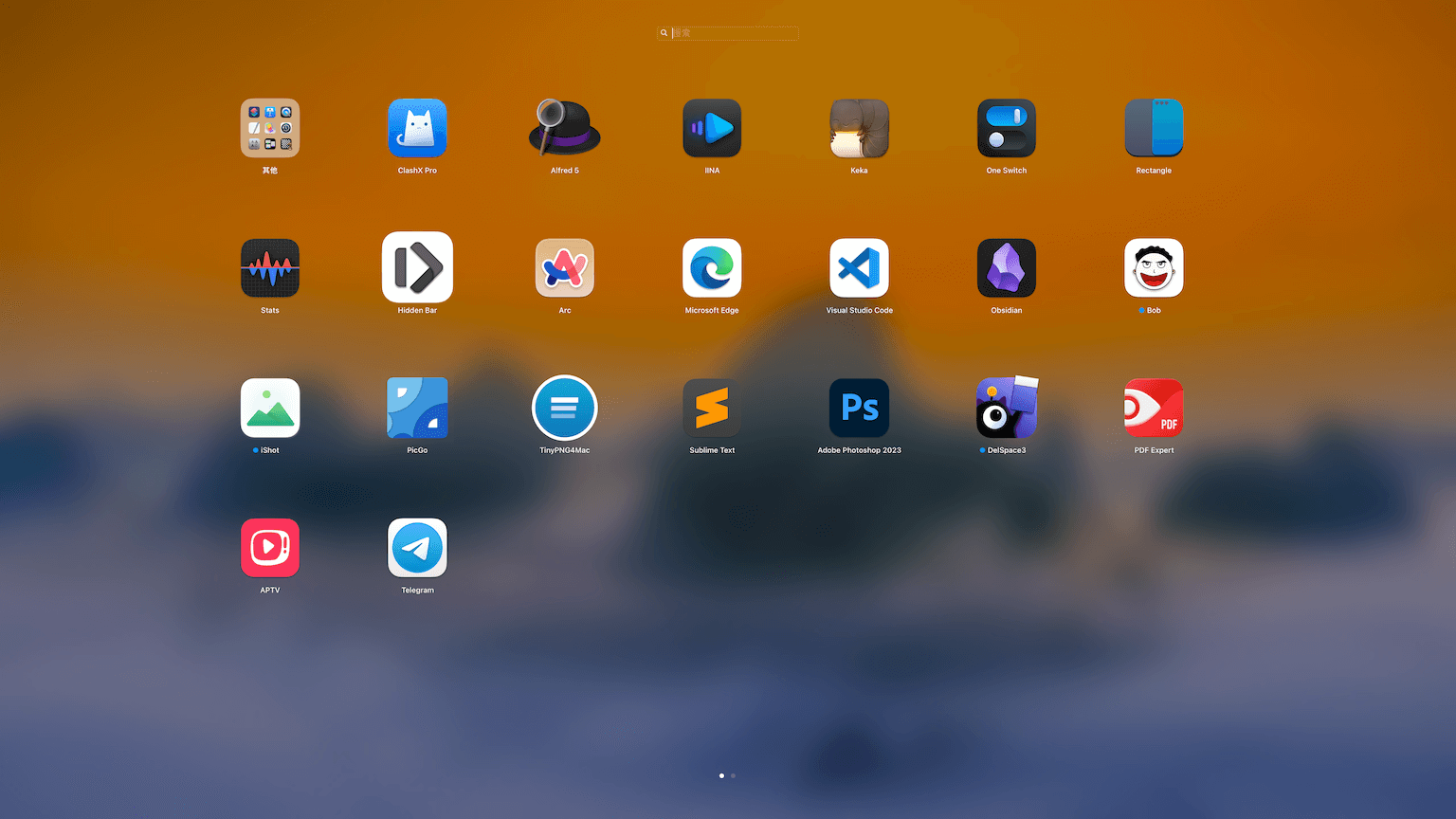
I had also considered the 24-inch iMac M1 with 16+256 for ¥11099. But when comparing M1, 24-inch against M2, 27-inch, the choice started feeling obvious. Looking at my old iMac, which had basically become a glorified screen for streaming apps, and then looking at the Mac mini with its detachable, more flexible setup... yeah, it was hard not to think: this is actually great.
What follows is mostly a personal setup record.
Personal tweaks
Three-finger drag:
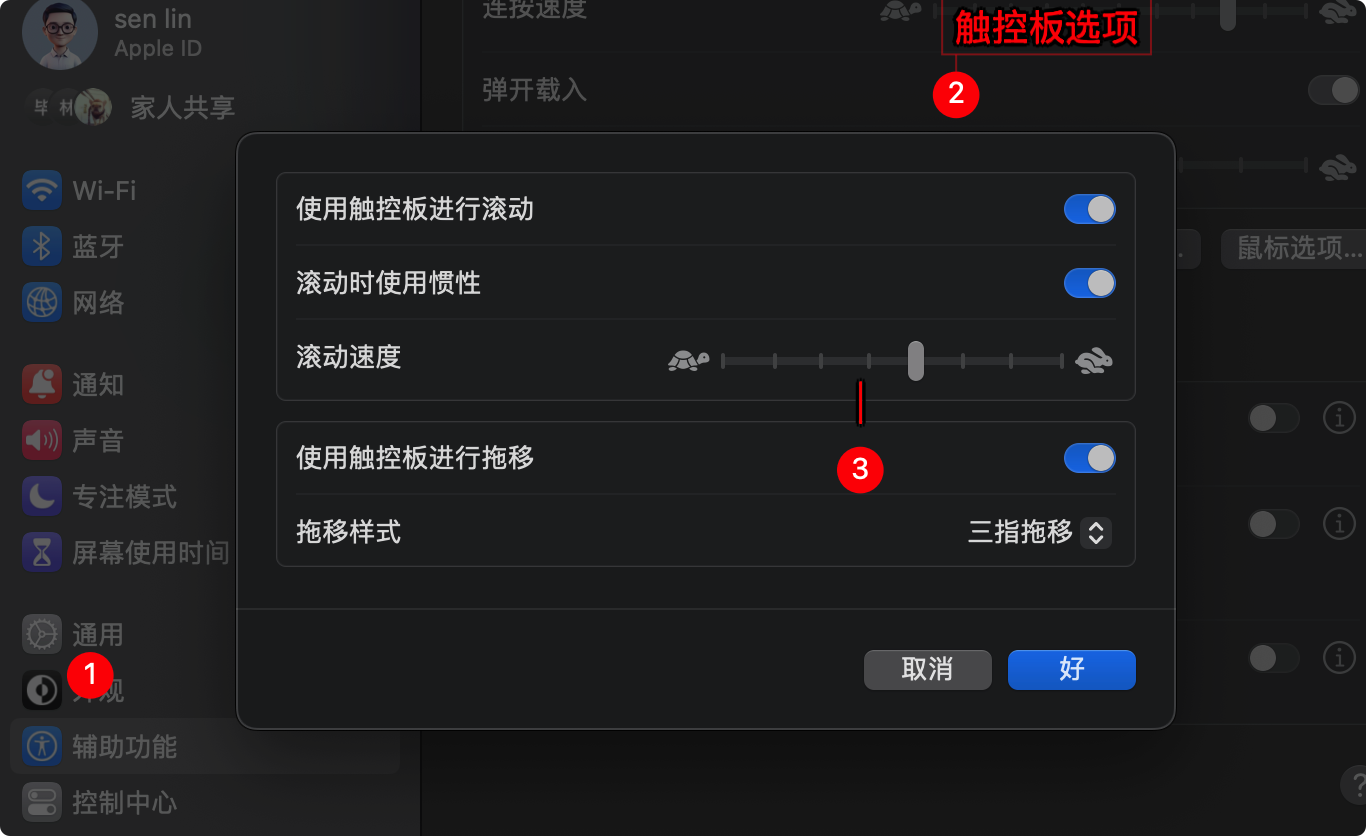
Trackpad: Tap to click
Desktop & Dock: Hot Corners
Finder: View → Show Path Bar, Show Status Bar
Network settings
export https_proxy=http://127.0.0.1:7890 http_proxy=http://127.0.0.1:7890 all_proxy=socks5://127.0.0.1:7890
Homebrew
/bin/bash -c "$(curl -fsSL https://raw.githubusercontent.com/Homebrew/install/HEAD/install.sh)"
When the prompt said The Xcode Command Line Tools will be installed., I waited about five minutes, then pressed Enter to continue.
After that, I entered these two commands exactly as instructed, one line at a time:
(echo; echo 'eval "$(/opt/homebrew/bin/brew shellenv)"') >> /Users/lmm214/.zprofile
eval "$(/opt/homebrew/bin/brew shellenv)"
A quick brew install round
Git: brew install git
Hugo: brew install hugo
ffmpeg: brew install ffmpeg
LxgwWenKai font:
brew tap homebrew/cask-fonts && brew install font-lxgw-wenkai
A few apps

Visual Studio Code
Essential for tinkering with anything.
Obsidian
A note-taking app that looks good and feels polished.

IINA
Free and open-source video player.

Keka
Free and open-source compression tool.

Bob
Very handy for translation and OCR.
Rectangle
For resizing and arranging windows.

Hidden Bar
Hides menu bar icons.

PicGo
Image uploading and management.

TinyPNG4Mac
Image compression; requires applying for an API.
Still to be dealt with
Adobe bundle: https://www.yuque.com/yihulaojiu-gsfg9/zz2qv5/vixkf6
Useful commands
Allow apps from anywhere and fix quarantine issues:
sudo spctl --master-disable
sudo xattr -r -d com.apple.quarantine /Applications/Sublime\ Text.app